# Merge Process
This section provides a detailed overview of the steps involved in the merge process. The list of predefined merge steps is defined in `merge.hpp` of the IDASDK:
```c
enum merge_kind_t
{
MERGE_KIND_NETNODE, ///< netnode (no merging, to be used in idbunits)
MERGE_KIND_AUTOQ, ///< auto queues
MERGE_KIND_INF, ///< merge the inf variable (global settings)
MERGE_KIND_ENCODINGS, ///< merge encodings
MERGE_KIND_ENCODINGS2, ///< merge default encodings
MERGE_KIND_SCRIPTS2, ///< merge scripts common info
MERGE_KIND_SCRIPTS, ///< merge scripts
MERGE_KIND_CUSTDATA, ///< merge custom data type and formats
MERGE_KIND_STRUCTS, ///< merge structs (globally: add/delete structs entirely)
MERGE_KIND_STRMEM, ///< merge struct members
MERGE_KIND_ENUMS, ///< merge enums
MERGE_KIND_TILS, ///< merge type libraries
MERGE_KIND_TINFO, ///< merge tinfo
MERGE_KIND_UDTMEM, ///< merge UDT members (local types)
MERGE_KIND_SELECTORS, ///< merge selectors
MERGE_KIND_STT, ///< merge flag storage types
MERGE_KIND_SEGMENTS, ///< merge segments
MERGE_KIND_SEGGRPS, ///< merge segment groups
MERGE_KIND_SEGREGS, ///< merge segment registers
MERGE_KIND_ORPHANS, ///< merge orphan bytes
MERGE_KIND_BYTEVAL, ///< merge byte values
MERGE_KIND_FIXUPS, ///< merge fixups
MERGE_KIND_MAPPING, ///< merge manual memory mapping
MERGE_KIND_EXPORTS, ///< merge exports
MERGE_KIND_IMPORTS, ///< merge imports
MERGE_KIND_PATCHES, ///< merge patched bytes
MERGE_KIND_FLAGS, ///< merge flags_t
MERGE_KIND_EXTRACMT, ///< merge extra next or prev lines
MERGE_KIND_AFLAGS_EA, ///< merge aflags for mapped EA
MERGE_KIND_IGNOREMICRO, ///< IM ("$ ignore micro") flags
MERGE_KIND_HIDDENRANGES, ///< merge hidden ranges
MERGE_KIND_SOURCEFILES, ///< merge source files ranges
MERGE_KIND_FUNC, ///< merge func info
MERGE_KIND_FRAMEMGR, ///< merge frames (globally: add/delete frames entirely)
MERGE_KIND_FRAME, ///< merge function frame info (frame members)
MERGE_KIND_STKPNTS, ///< merge SP change points
MERGE_KIND_FLOWS, ///< merge flows
MERGE_KIND_CREFS, ///< merge crefs
MERGE_KIND_DREFS, ///< merge drefs
MERGE_KIND_BPTS, ///< merge breakpoints
MERGE_KIND_WATCHPOINTS, ///< merge watchpoints
MERGE_KIND_BOOKMARKS, ///< merge bookmarks
MERGE_KIND_TRYBLKS, ///< merge try blocks
MERGE_KIND_DIRTREE, ///< merge std dirtrees
MERGE_KIND_VFTABLES, ///< merge vftables
MERGE_KIND_SIGNATURES, ///< signatures
MERGE_KIND_PROBLEMS, ///< problems
MERGE_KIND_UI, ///< UI
MERGE_KIND_NOTEPAD, ///< notepad
MERGE_KIND_LOADER, ///< loader data
MERGE_KIND_DEBUGGER, ///< debugger data
MERGE_KIND_LAST, ///< last predefined merge handler type.
///< please note that there can be more merge handler types,
///< registered by plugins and processor modules.
};
```
The list of merge steps is not final. If for example there is a conflict in structure members then the new merge phase to resolve this conflict will be created. The same is hold for UDT, functions, frames and so on. In other words in general case the exact number of merge steps is undefined and depends on the databases.
Each item in a merge step is assigned to a difference position named `diffpos`. It may be an EA (effective address), enum id, structure member offset, artificial index and so on. In other words, a `diffpos` is a way of addressing something in the database.
Every merge step starts with the calculation of differences and conflicts between items at the corresponding difference positions. As the result there is a list of `diffpos` with differences or conflicts. The ``diffpos`s without differences are not included in the list. Adjacent `diffpos`s are combined into a difference range called `diffrange``.
The merging process operates on a difference range `diffrange`. For one `diffrange`, a single merge policy can be selected.
## Global settings/Database attributes
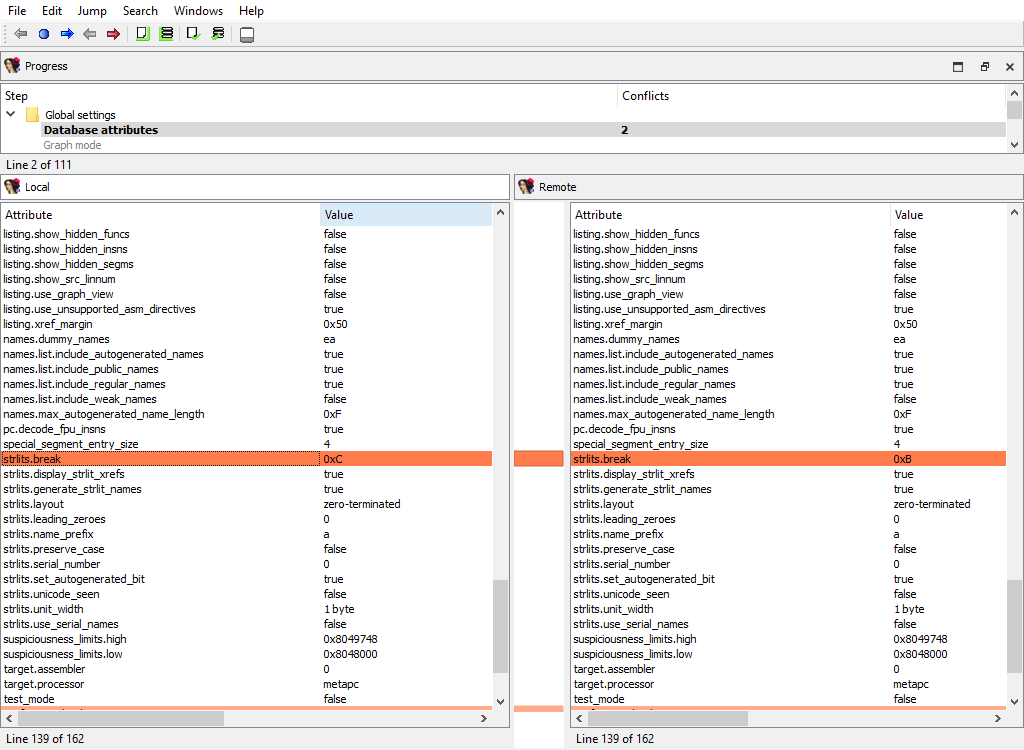
Merging of global database attributes. These attributes are mainly stored in the `idainfo` structure. This phase has two subphases:
* Global settings/Database attributes/Graph mode
* Global settings/Database attributes/Text mode
The "Detail" pane is absent.
## Global settings/Processor specific
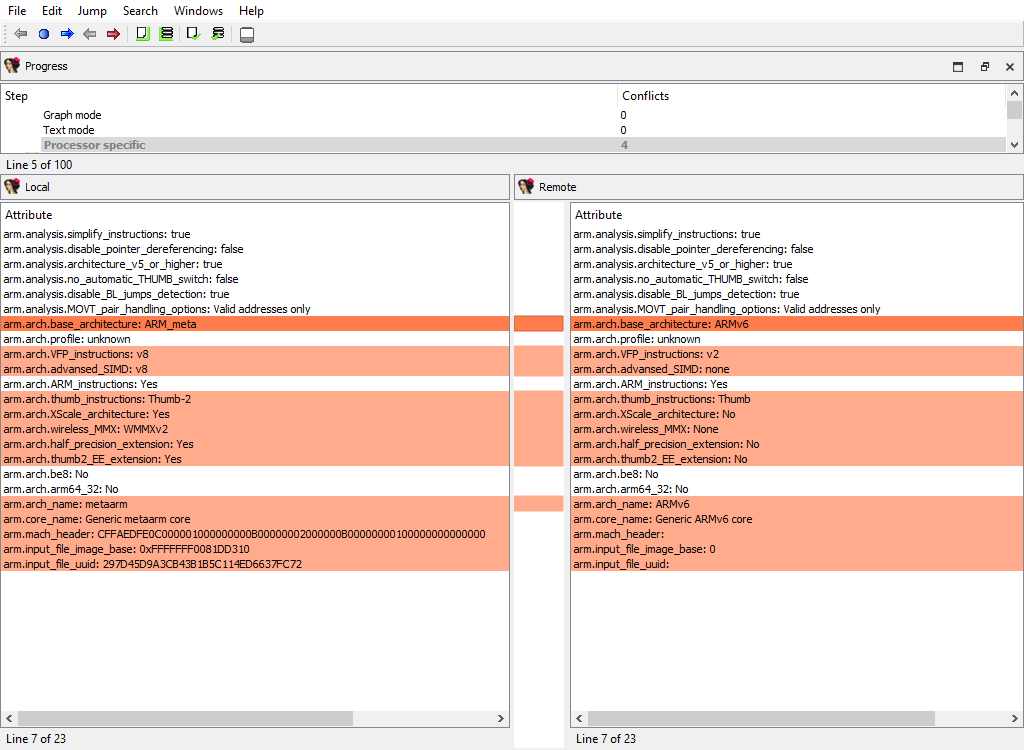
Merging of global processor options. Usually these options are stored in the `idpflags` netnode.
The "Detail" pane is absent.
## Encodings/Registry
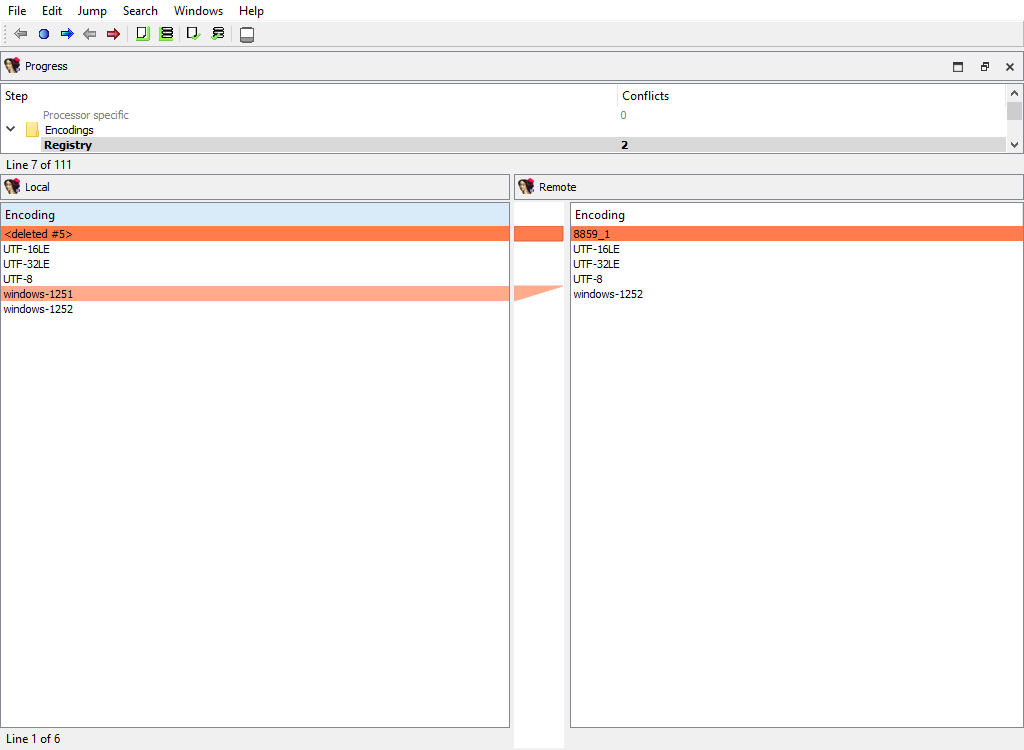
Merging of registered string literal encodings. These encodings are used to properly display string literal in the disassembly listing.
The "Detail" pane is absent.
## Encodings/Settings
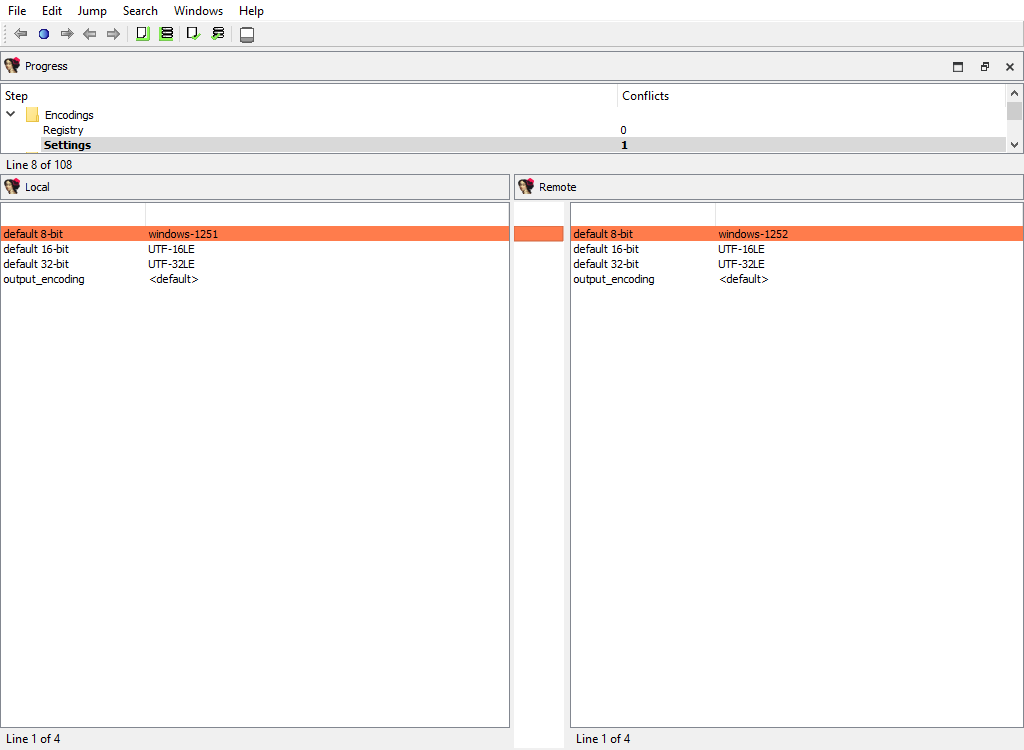
Merging of default string encodings: what string encoding among the registered ones are considered as the default ones.
The "Detail" pane is absent.
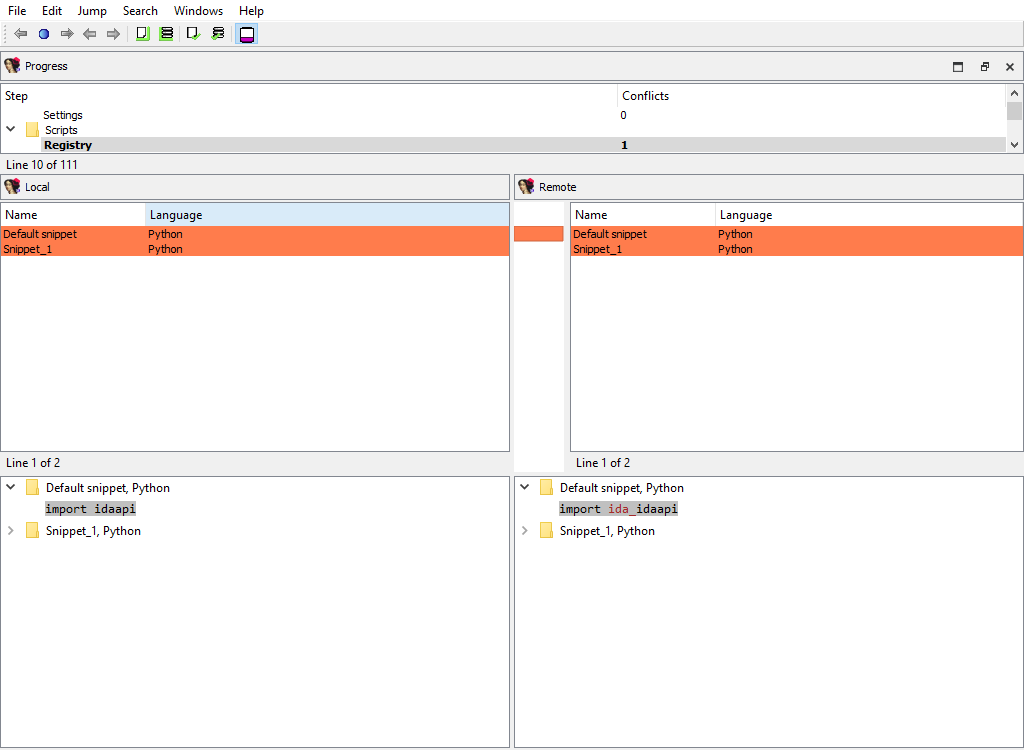
## Scripts/Registry
Merging of embedded script snippets.
When merging of embedded script snippets, the script name/language is displayed, and the "Detail" pane contains the script source with the highlighted differences:
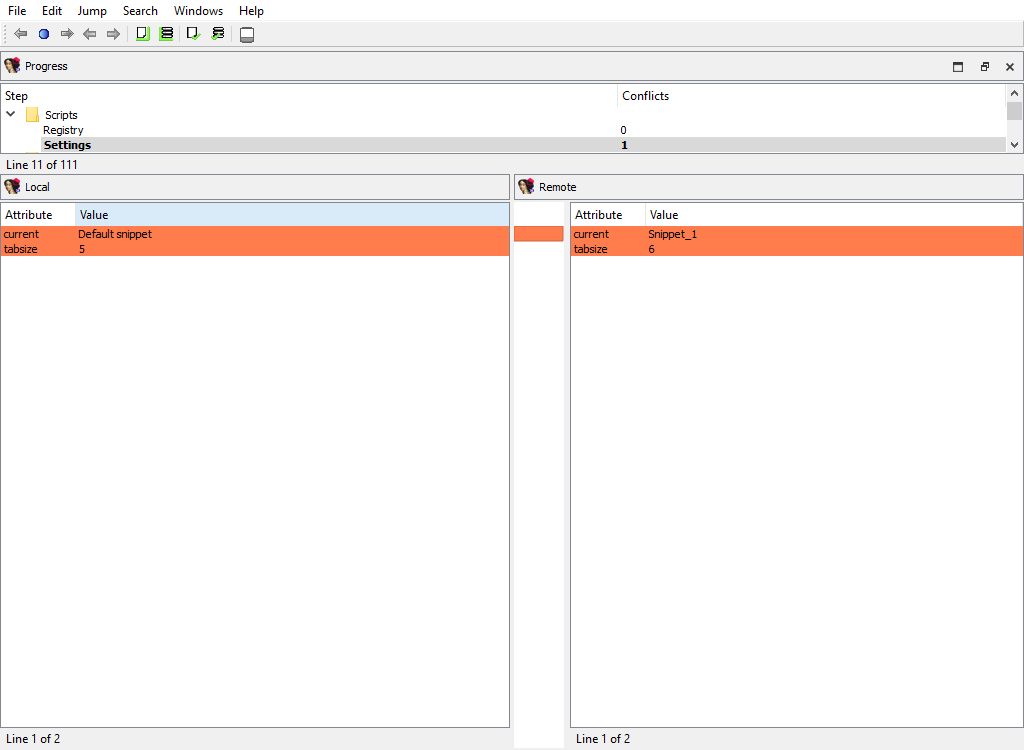
## Scripts/Settings
Merging of the default snippet and tabulation size.
The "Detail" pane is absent.
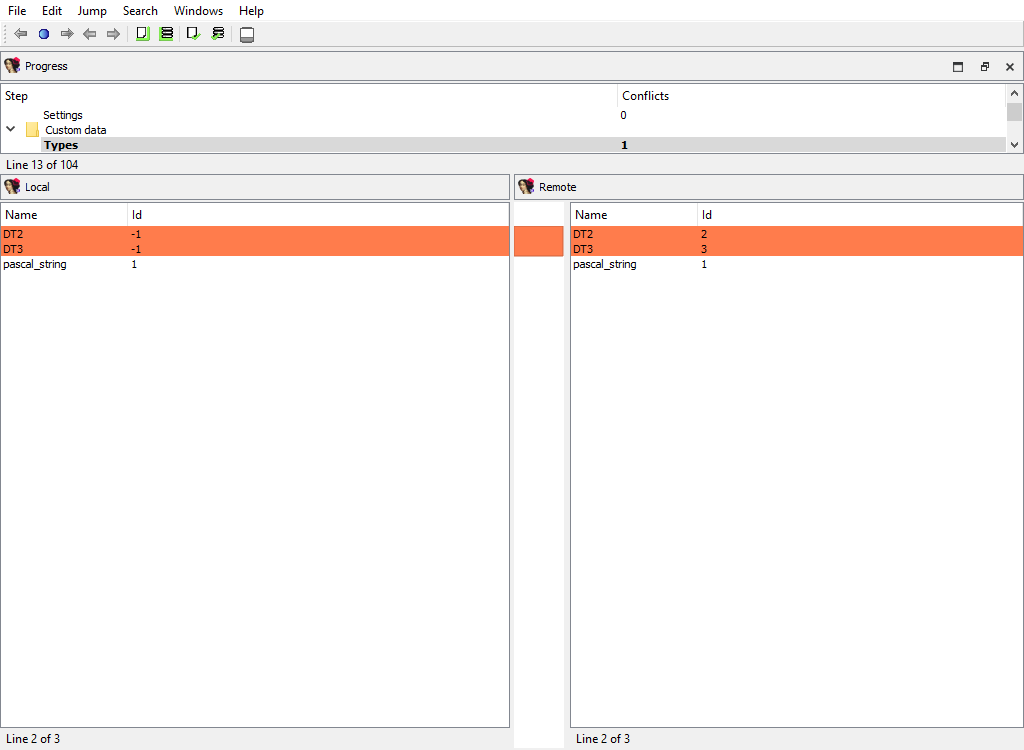
## Custom data/Types and Custom data/Formats
Merging of the registered custom data types and formats.
The "Detail" pane is absent.
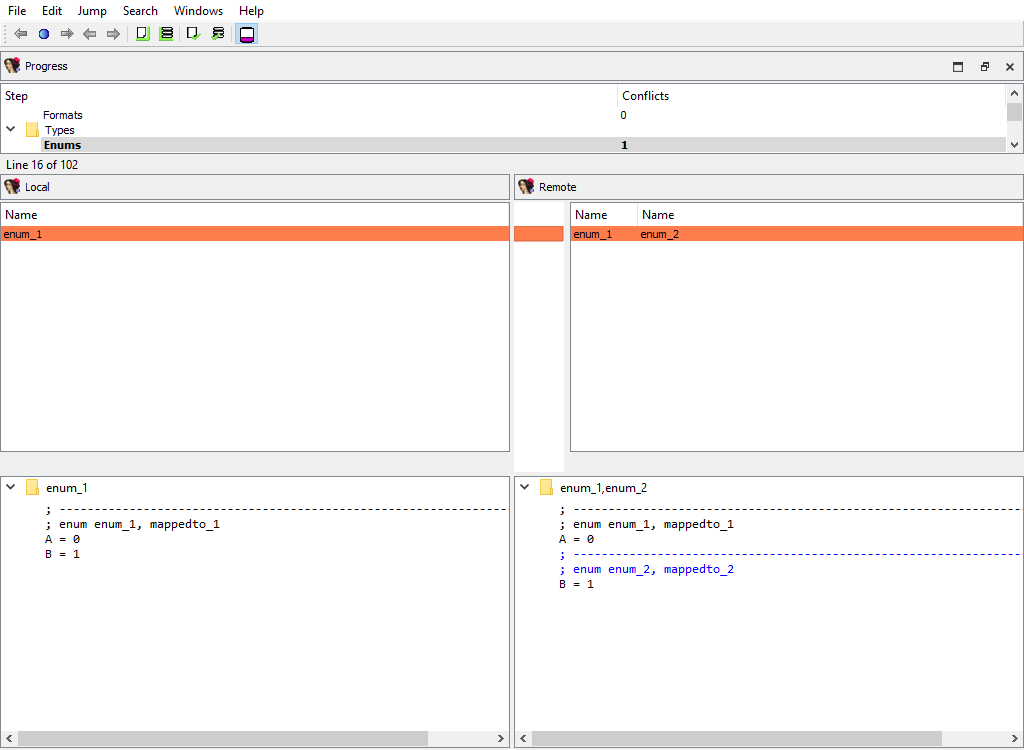
## Types/Enums
Merging of assembler level enums (`enum_t`). Ghost enums are skipped in this phase, they will be merged when handling local types.
To calculate `diffpos`, IDA Teams matches enum members by name and maps all enums with common member names into one `diffpos`.
An example of enum merging:
```
local_idb
;--------------------------
; enum enum_1, mappedto_1
A = 0
B = 1
remote_idb
;--------------------------
; enum enum_1, mappedto_1
A = 0
;--------------------------
; enum enum_2, mappedto_2
B = 1
```
In both idbs, enum constant "B" is present. However, in the remote idb "B" has a different parent enum, "enum\_2". Therefore enum\_1 in the local idb corresponds to enum\_1 and enum\_2 in the remote idb. The user can select either enum\_1 from the local idb or enum\_1 and enum\_2 from the remote idb.
In other words, IDA will display both enum\_1 and enum\_2 in the Remote pane, indicating that the difference between the Local and Remote databases corresponds to two separate enums, but they are treated as a single difference location. The "Detail" pane will display the full enum definitions, with the differences highlighted:
## Types/Structs
Merging of assembler level structures (`struc_t`).
To calculate `diffpos`, IDA Teams matches structs by the following attributes, in this order:
1. the structure name
2. the structure `tid` and size
If we fail to match a structure, then it will stay unmatched. Such an unmatched structure will have it own `diffpos`, allowing the user to copy it to the other idb or to delete it altogether.
This merge phase deals with the entire structure types and their attributes. Entire structure types may be added or deleted, and/or conflicts in the structure attributes are resolved.
If members of matched structures (at the same `diffpos`) differ, the conflict will be resolved later, during the **Types/Struct members/…** merge phase.
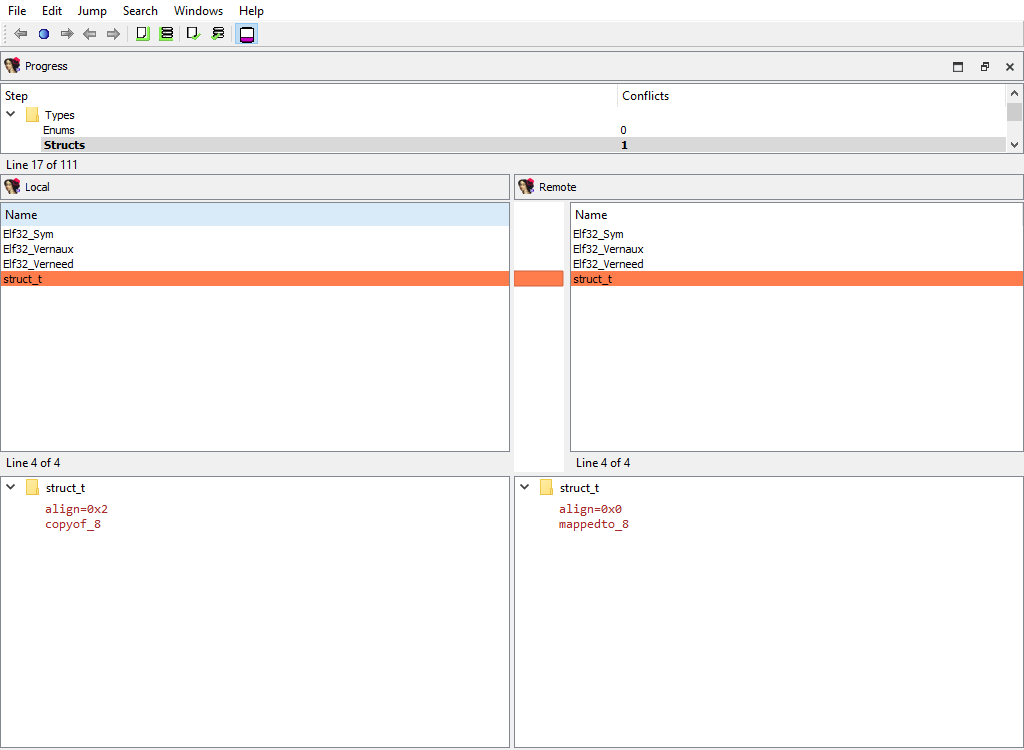
In the UI, IDA will display the list of structure names, with the "Detail" pane showing the structure attributes:
## Types/Type libraries
Merging of the loaded type libraries.
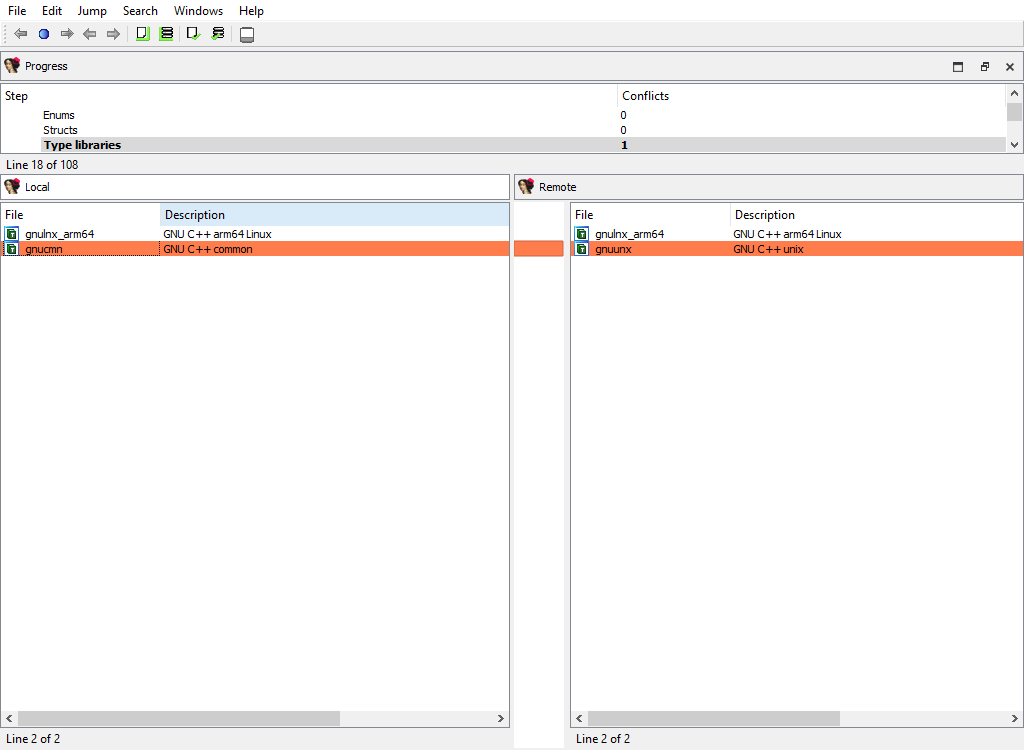
This merge phase uses the standard "Type libraries" widget.
The "Detail" pane is absent.
## Types/Local types
Merging of local types.
To calculate `diffpos`, IDA Teams matches local types by the following attributes, in this order:
1. the type name
2. the ordinal number and base type
If we fail to match a type, then it will stay unmatched. Such an unmatched type will have it own `diffpos`, allowing the user to copy it to the other idb or to delete it altogether.
This merge phase deals with entire types and their attributes. Entire local types may be added or deleted, and/or conflicts in their attributes are resolved. Differences in type members (e.g., struct members) will be resolved in a separate phase: **Types/Local type members**
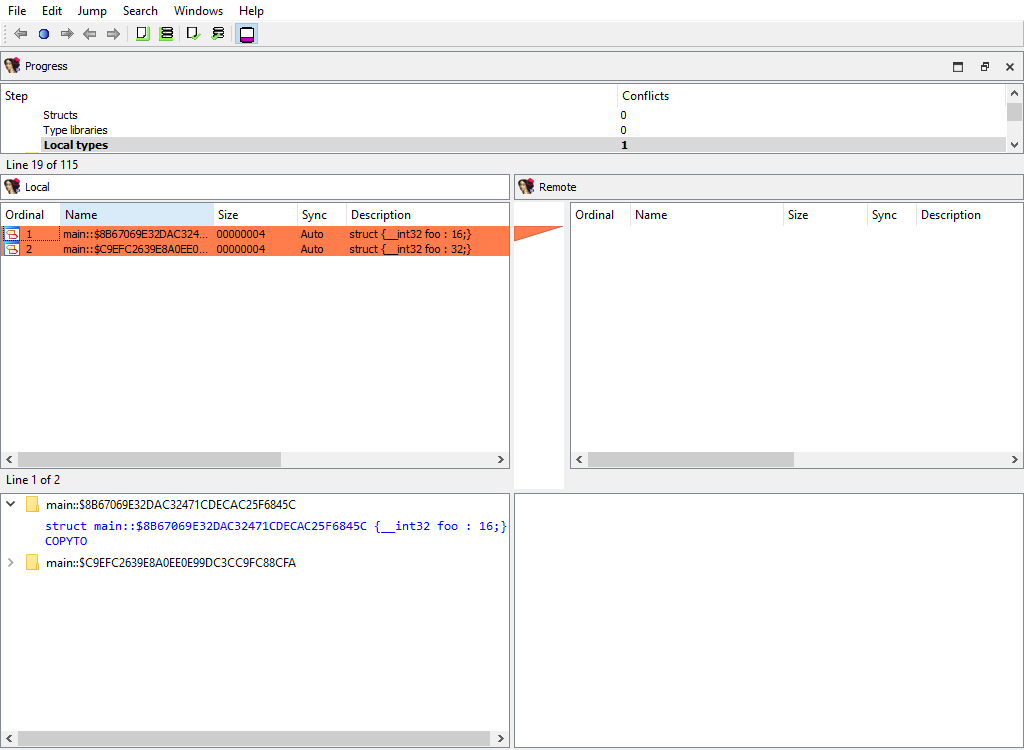
This merge phase uses the standard "Local types" widget. The "Detail" pane displays the type definition and its attributes.
## Types/Struct members/… and Types/Local type members/…
For example:
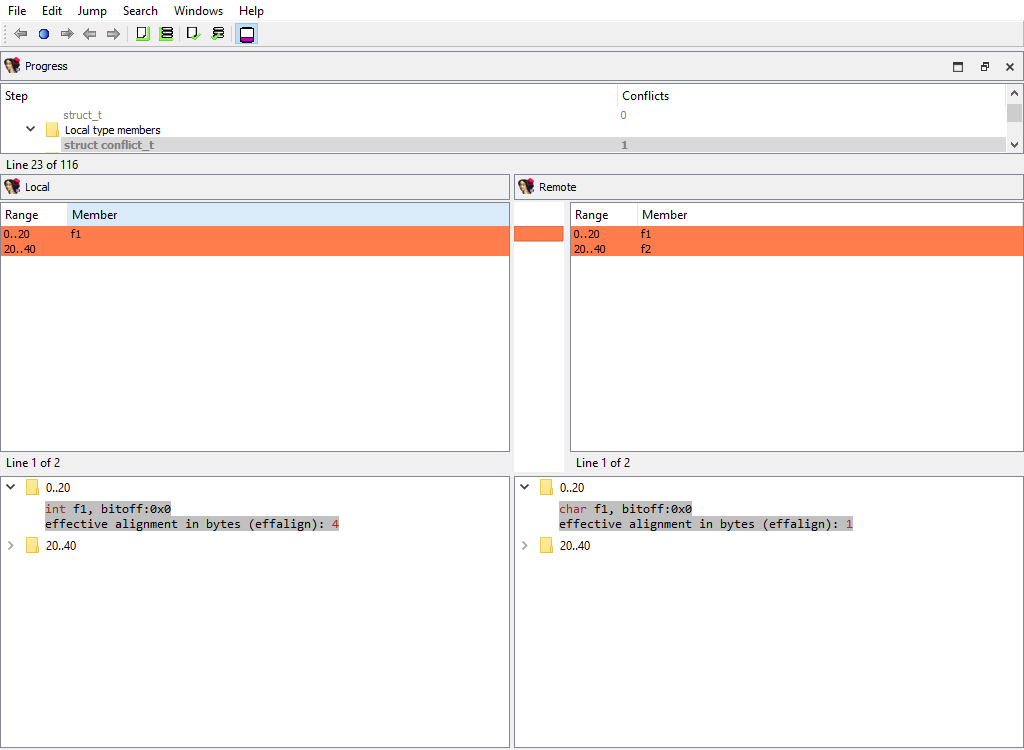
* Types/Struct members/struct\_t
* Types/Local type members/struct conflict\_t
These merge phases merges the conflicting members of a structure or a local type.
The "Detail" pane displays full information about the current member along with its attributes.
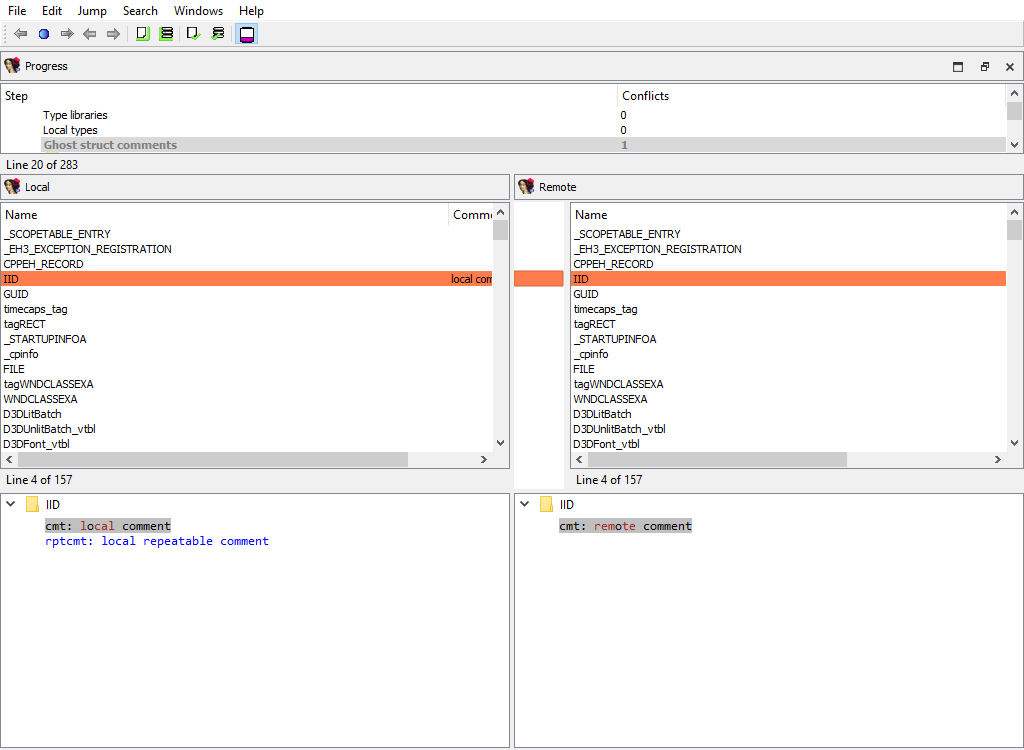
## Types/Ghost struct comments
Ghost structs may have comments attached to them.
This merge phase handles these comments:
We need a separate phase for these comments in order not to lose them during merging because by default ghost types are considered secondary to the corresponding non-ghost type. Normally during merge ghost types may be overwritten. However, local types cannot have comments at all. This is why ghost structure comments, if created, are valuable.
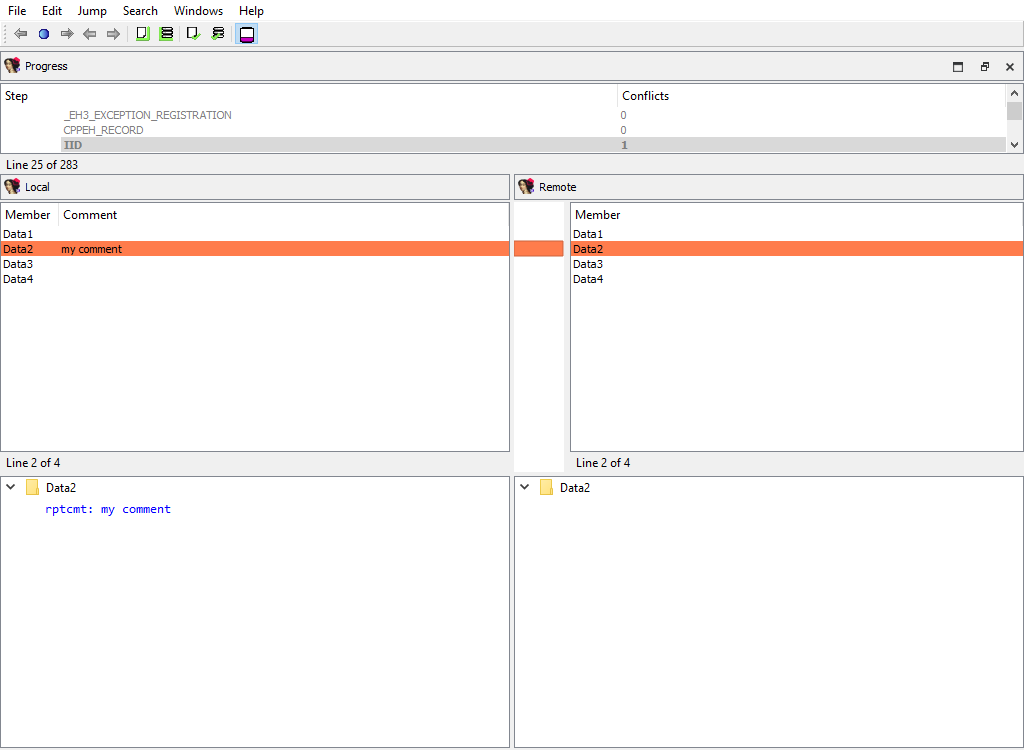
## Types/Struct members comments/…
Similarly to comments attached to entire structures, each structure member may have a comment.
The same logic applies to ghost struct member comments:
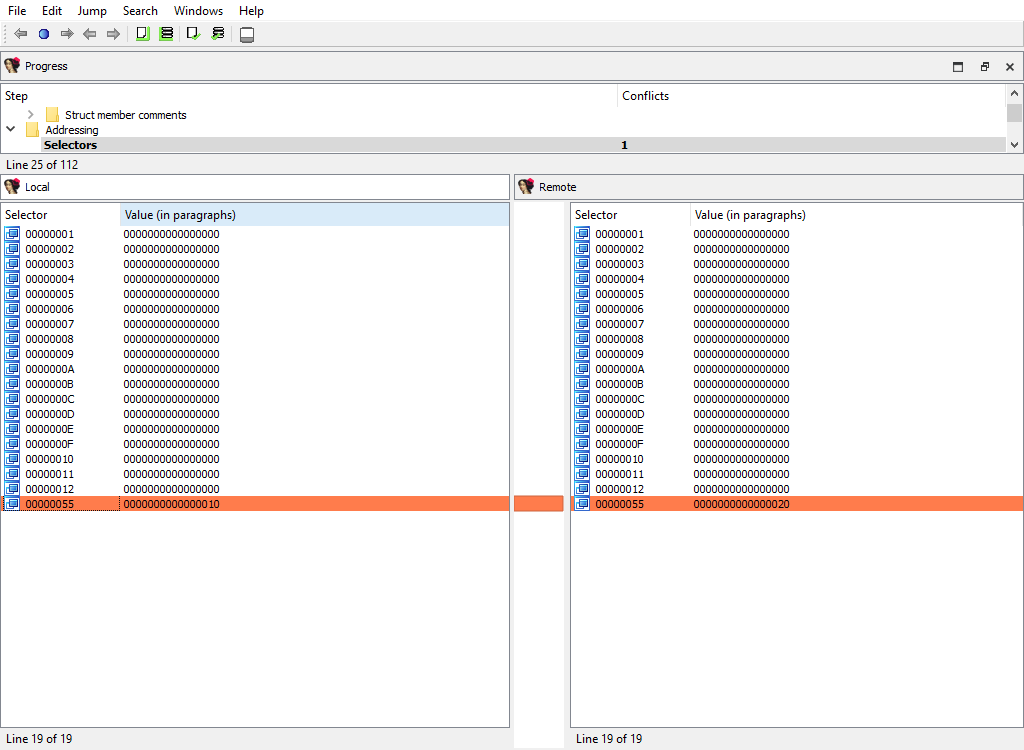
## Addressing/Selectors
Merging of selectors.
This merge phase uses the standard widget "Selectors".
The "Detail" pane is absent.
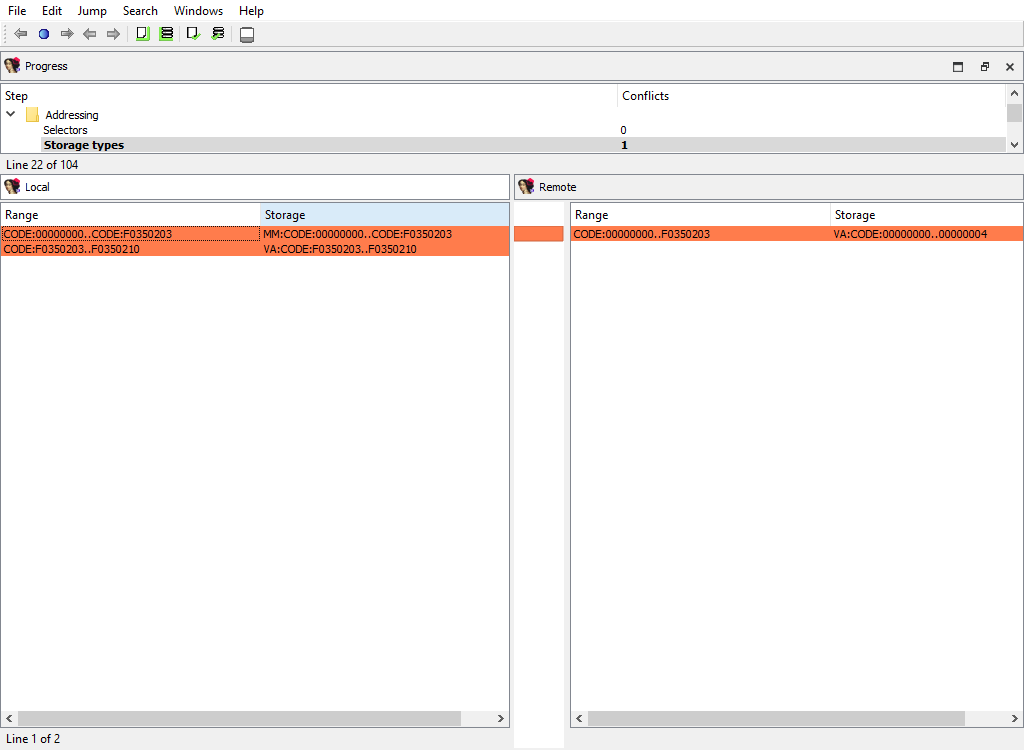
## Addressing/Storage types
IDA Pro allocates so-called `flags` for each program address. These flags describe how to display the corresponding bytes in the disassembly listing: as instruction or data.
There are two different storage methods for `flags`: virtual array (VA) and sparse storage (MM). The virtual array method is the default one, it allocates 32 bits for each program address. However, for huge segments this method is not efficient and may lead to unnecessarily huge databases. Therefore for huge segments IDA Pro uses sparse storage.
This merge phase handles the defined program ranges and their storage types.
The "Detail" pane is absent.
## Addressing/Segmentation
This merge phase handles the program segmentation.
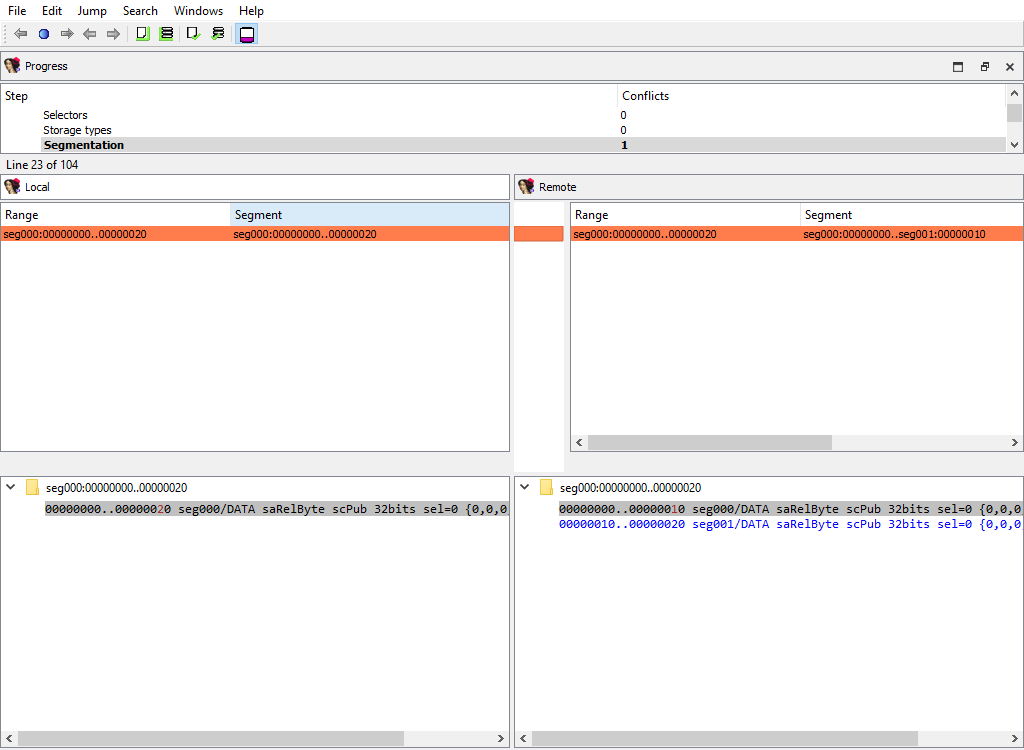
When merging segments, IDA combines them into non-overlapping groups. Each group will have its own `diffpos`. For example, the following segmentations:
```
local_idb
seg000:00000000
...
seg000:00000020
...
remote_idb
seg000:00000000
...
seg001:00000010
...
seg001:00000020
```
will result in a single `diffpos`:
The "Detail" pane displays segments in the combined group with their attributes.
When merging segment, IDA tries to move the segment boundaries in a way that preserves the segment contents. If it fails to do so, the conflicting segments are deleted and new ones are created.
## Addressing/Segment groups
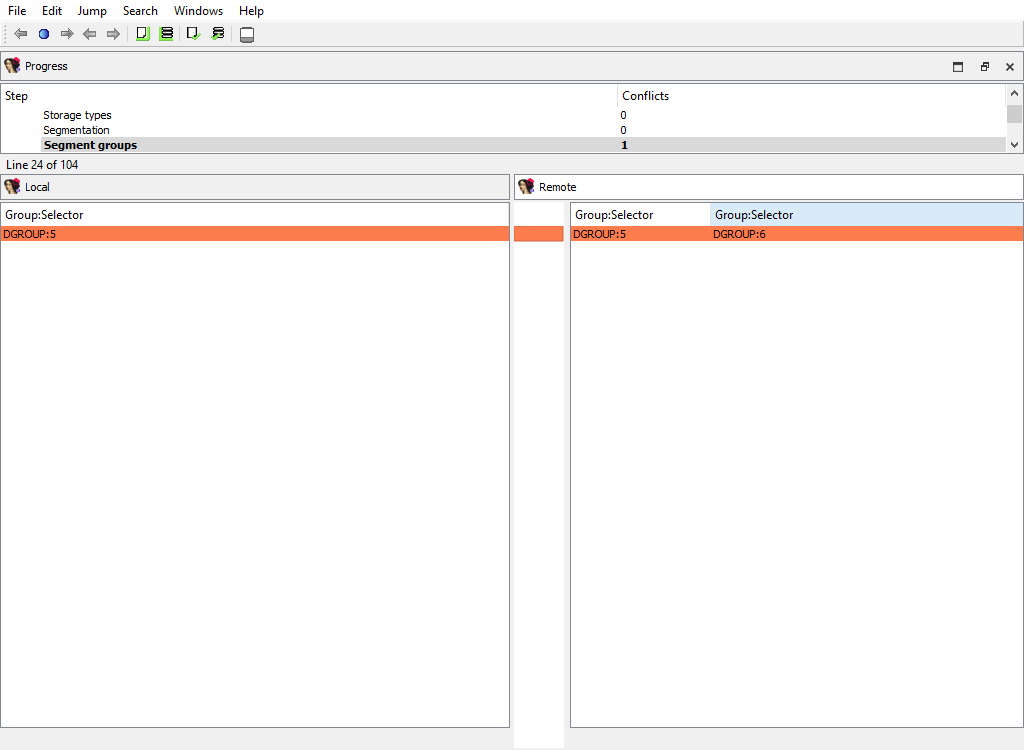
Merging of segment groups. Segment groups are used only in OMF files. They correspond to the `group` keyword in assembler.
The "Detail" pane is absent.
## Addressing/Segment register/…
Some processor have so-called segment registers. IDA Pro knows about them and can remember their value (one value per address range).
For example, the x86 processor has `ds`, `ss`, and many other registers. IDA Pro can remember that, say, `ds` has the value of 1000 at the range 401000..402000.
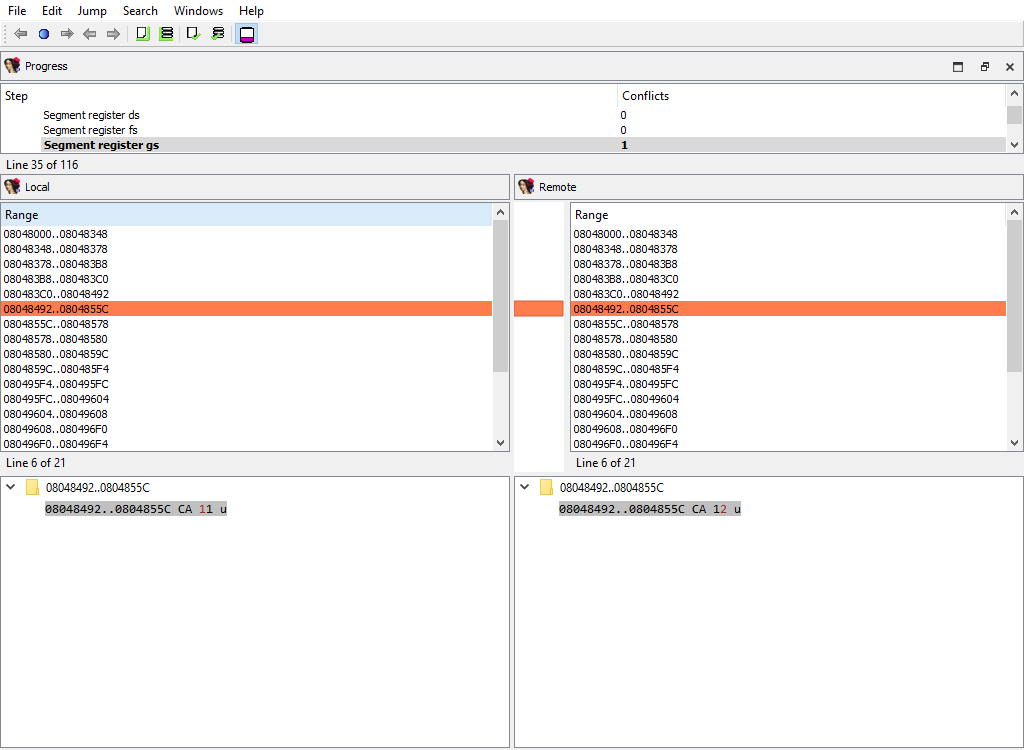
This merge phase handles segment registers. For each register, a separate merge phase is created. It contains address ranges: inside each address range the value of the segment register stays the same.
To prepare `diffpos`, IDA Teams combines segment register ranges into non-overlapping ranges. `diffpos` is a range number.
The "Detail" pane displays segment register ranges in `diffpos` with the value and the suffix that denotes the range type (u-user defined, a-automatically inherited from the previous range)
## Addressing/Orphan bytes
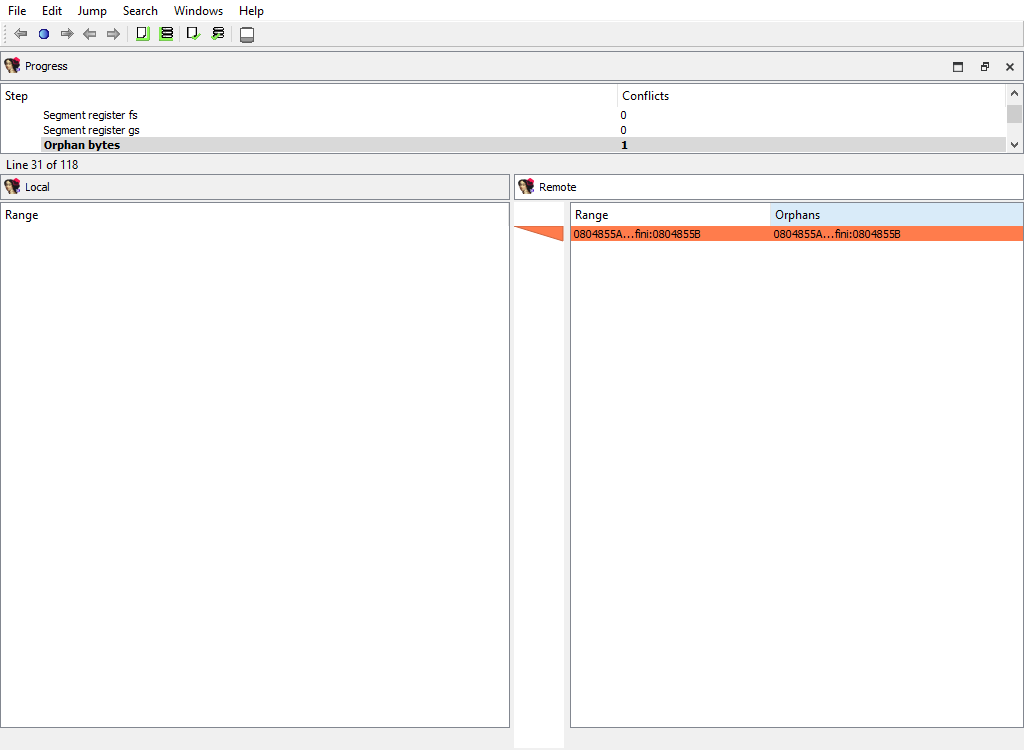
The database may have bytes that do not belong to any segment.
To prepare `diffpos`, IDA Teams groups orphan bytes in the databases into nonintersecting ranges. `diffpos` is a range number.
The "Detail" pane is absent.
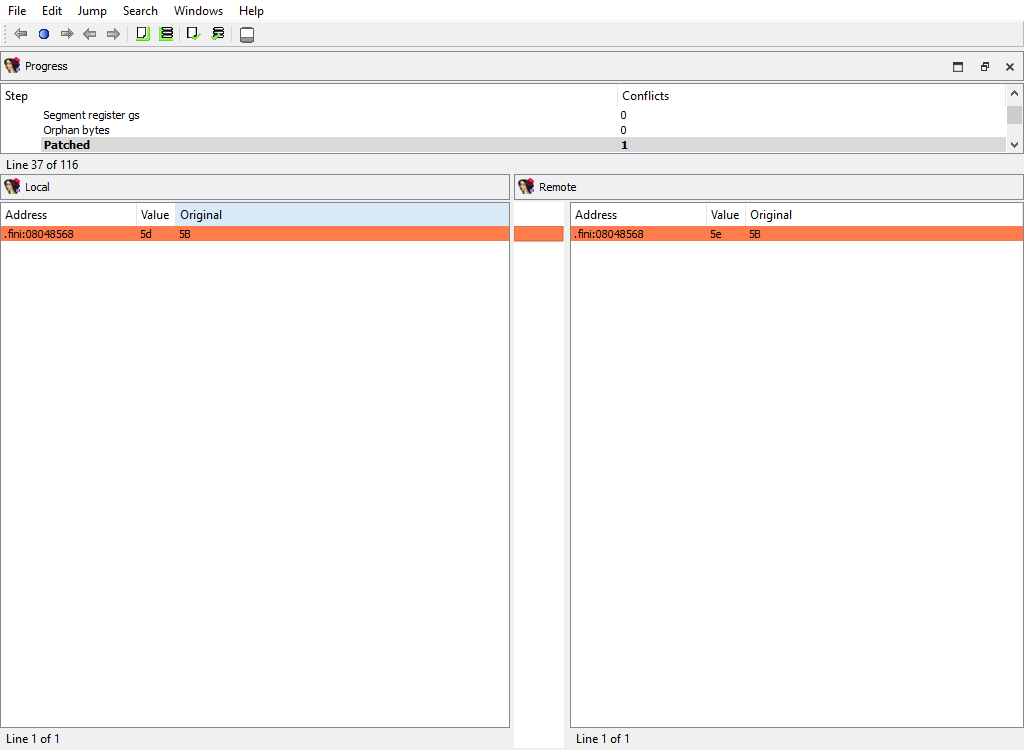
## Addressing/Patched
Merging of the patched bytes.
The "Detail" pane is absent.
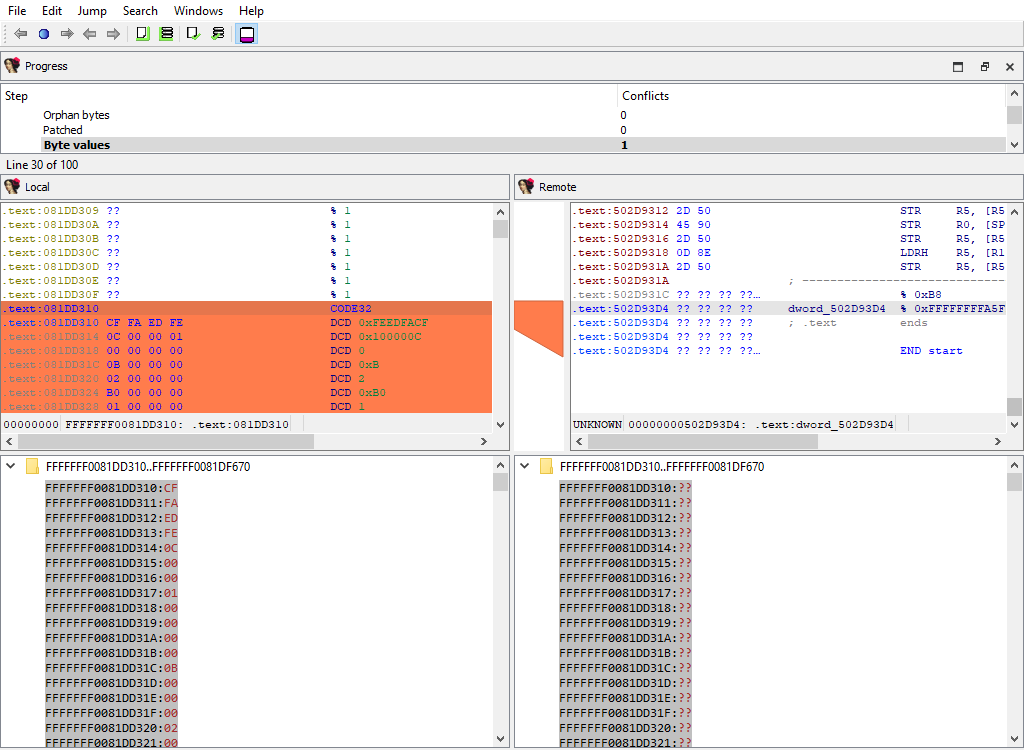
## Addressing/Byte values
Byte values in segments may differ even for non-patched addresses, for example if a snapshot of the process memory was taken during a debugger session.
IDA Teams combines the sequential bytes in one `diffpos`.
This merge phase uses the standard "IDA-View" widget.
The "Detail" pane displays the conflicting byte values.
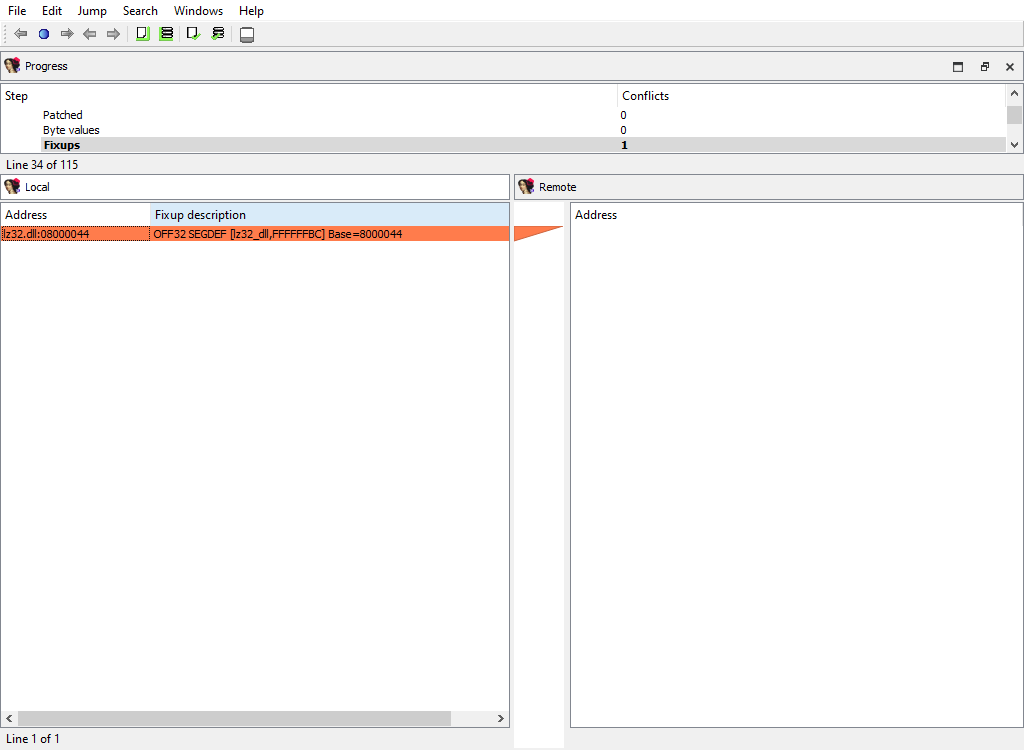
## Addressing/Fixups
Merging of fixup records.
The "Detail" pane is absent.
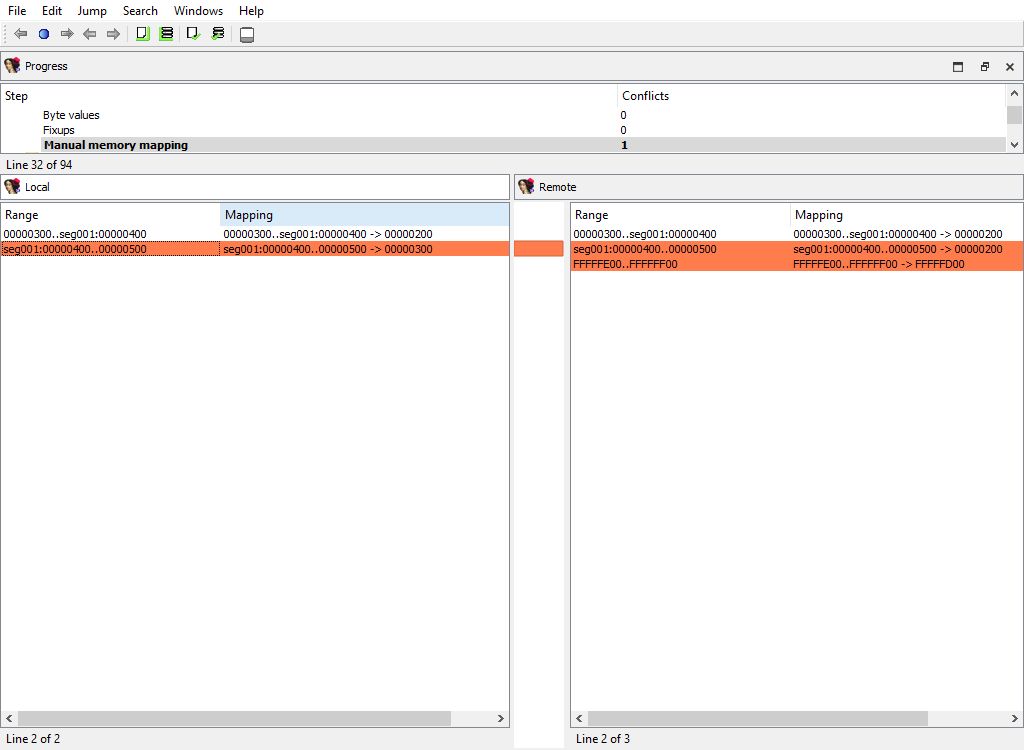
## Addressing/Manual memory mapping
Merging of memory mappings.
The "Detail" pane is absent.
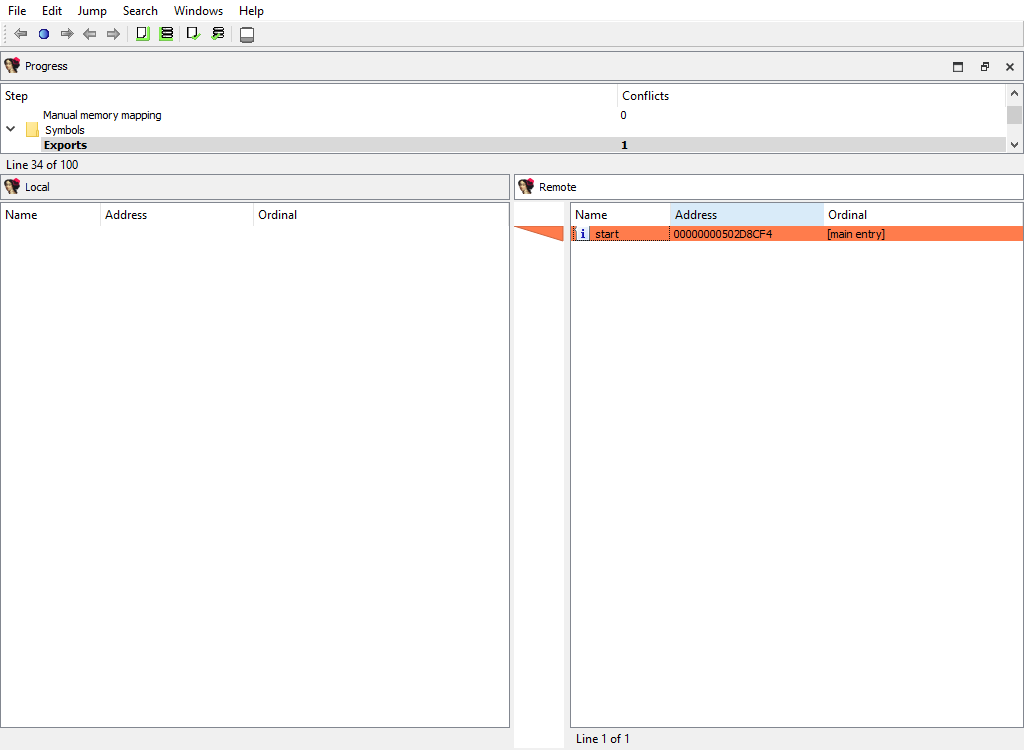
## Symbols/Exports
Merging of exported symbols.
Merge phase uses the standard "Exports" widget.
The "Detail" pane is absent.
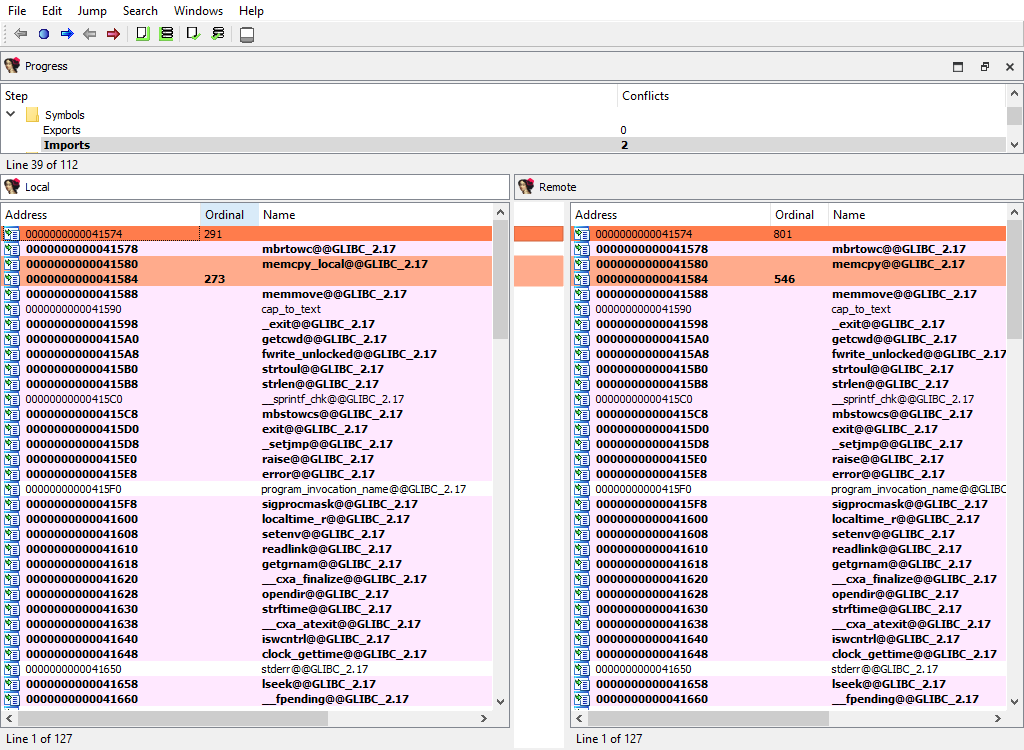
## Symbols/Imports
Merging of imported symbols.
Merge phase uses the standard "Imports" widget.
The "Detail" pane is absent.
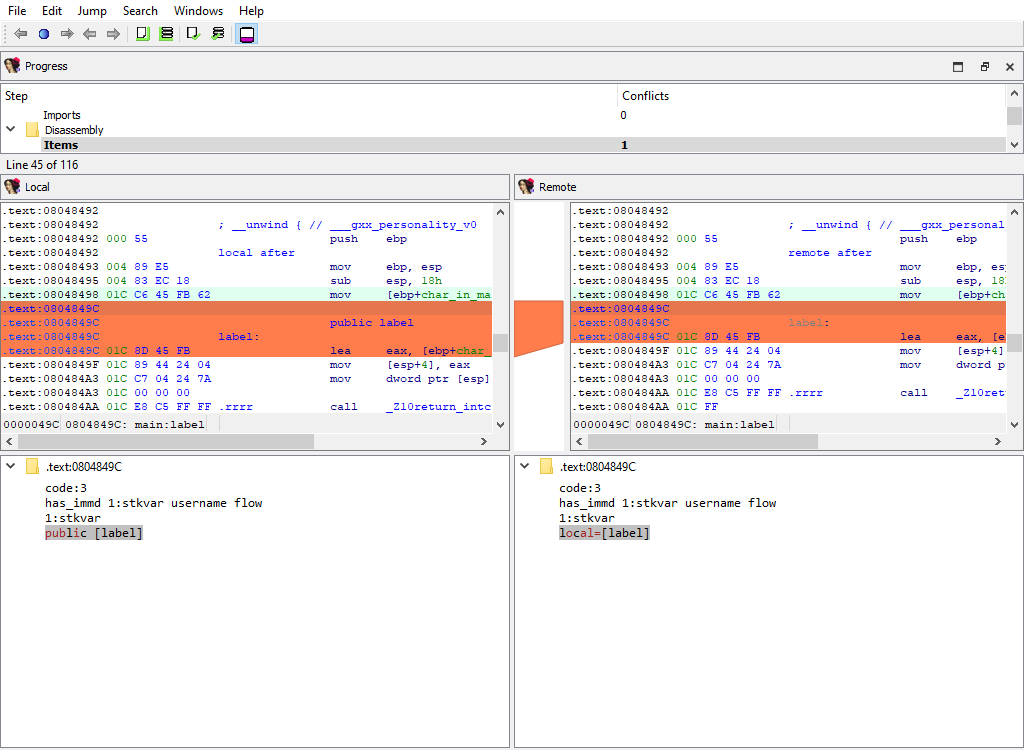
## Disassembly/Items
When merging, IDA Teams compares disassembly items (instructions and data). IDA Teams compares disassembly items by length, flags, opinfo, name, comment, and netnode information (NALT\_\* and NSUP\_\* flags).
This merge step uses the standard "IDA-View" widget so that items can be viewed in their context. For example:
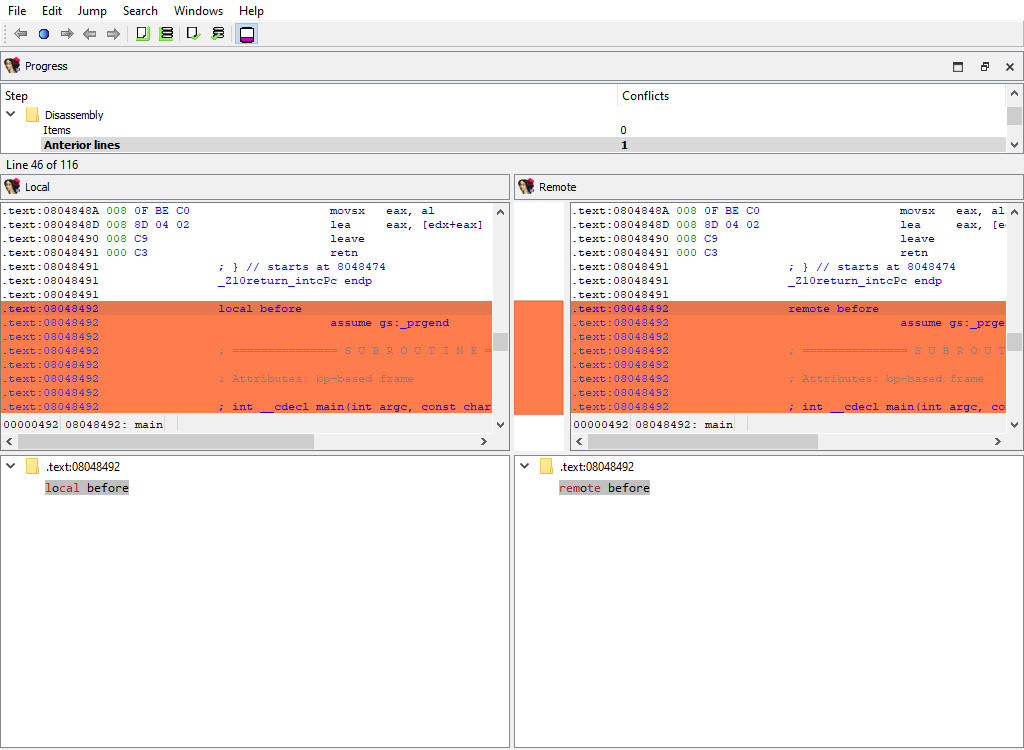
## Comments/Anterior lines and Comments/Posterior lines
Merging of extra comments.
This merge phase uses the standard "IDA-View" widget.
The "Detail" pane displays comment content.
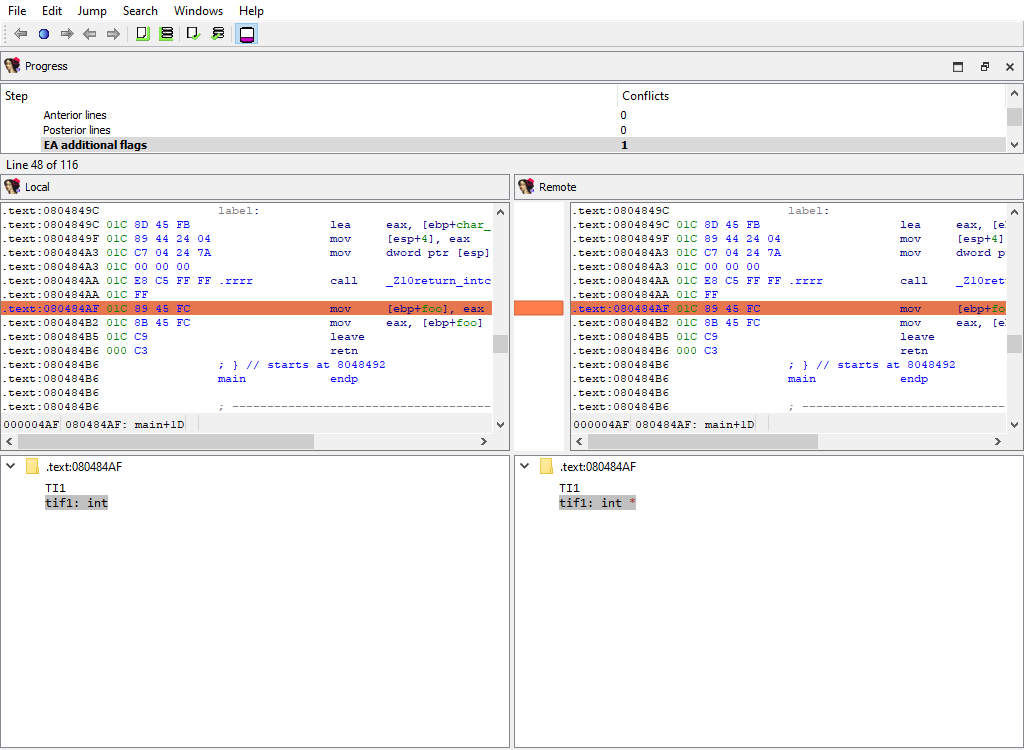
## Disassembly/EA additional flags
Merging of additional flags `aflags_t`.
Each disassembly item may have additional flags that further describe it.
This merge phase uses the standard "IDA-View" widget.
The "Detail" pane displays additional flags.
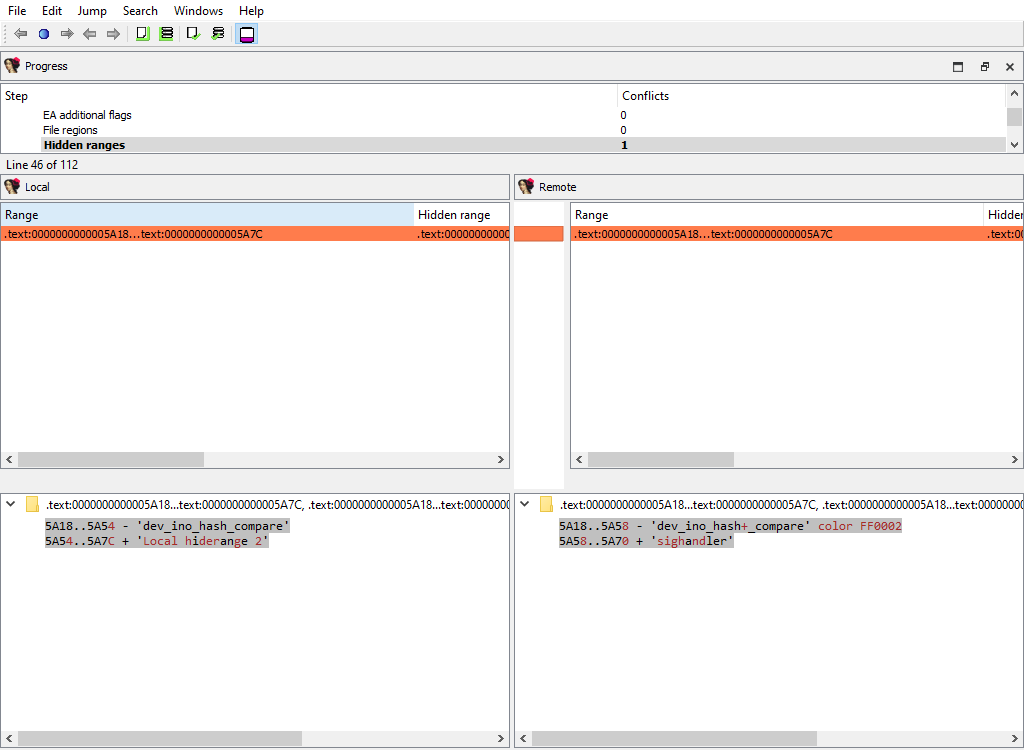
## Disasembly/Hidden ranges
To prepare `diffpos`, IDA Teams groups hidden ranges into nonintersecting ranges. `diffpos` is a range number.
The "Detail" pane displays the hidden range description.
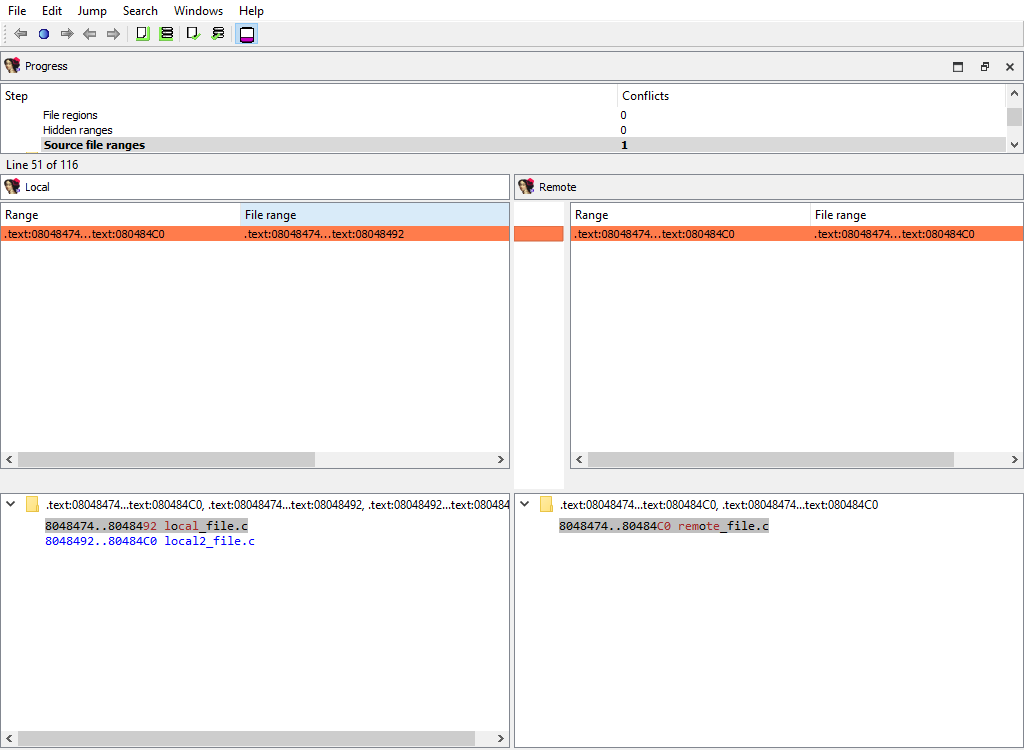
## Disassembly/Source file ranges
To prepare `diffpos`, IDA Teams groups source file ranges into nonintersecting ranges. `diffpos` is a range number.
The "Detail" pane displays source file definition.
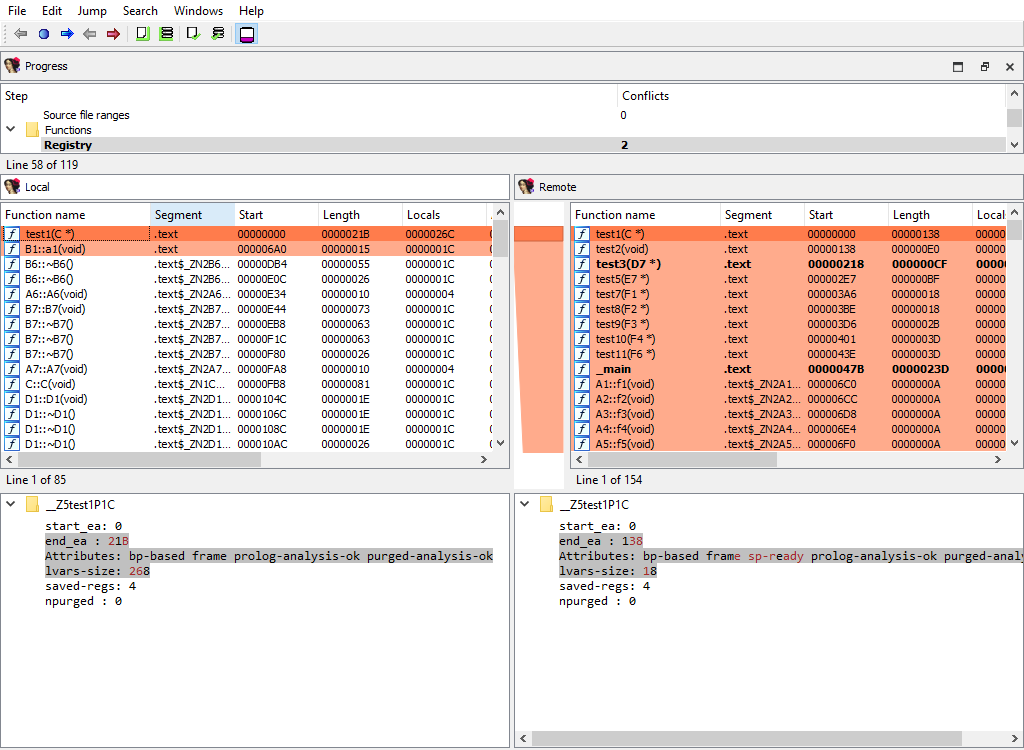
## Functions/Registry
Function definitions (`func_t`) are merged using the standard "Functions" widget, while the "Detail" pane displays function attributes:
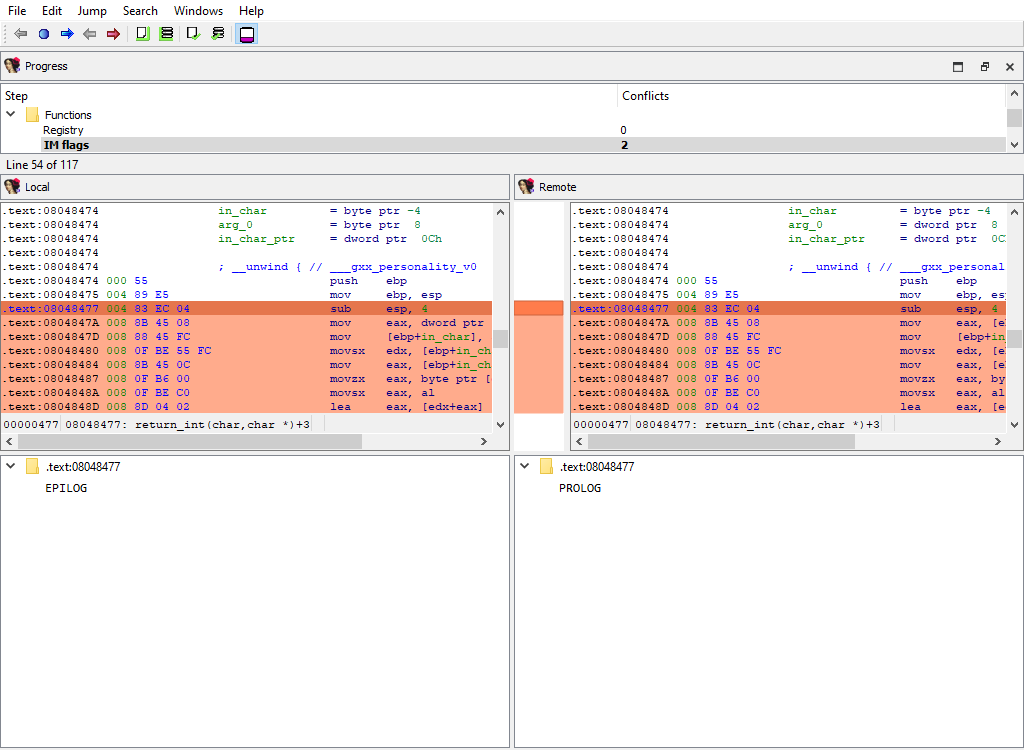
## Functions/IM flags
Merging of instruction kinds.
To simplify decompilation, IDA has the notion of the instruction kind:
* PROLOG instruction
* EPILOG instruction
* SWITCH instruction
This merge phase uses the standard "IDA-View" widget.
The "Detail" pane displays instruction kind.
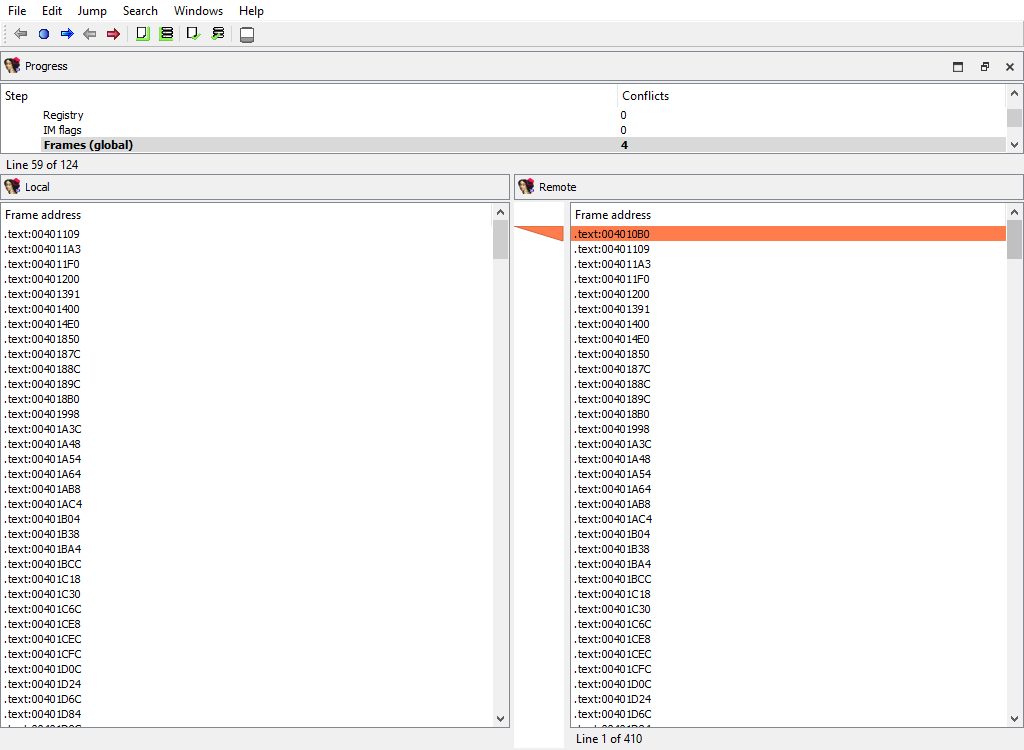
## Functions/Frames (global)
This merge phase deals with the entire function frames. Function frame may be added or deleted.
If members of the matched function frame differ, the conflict will be resolved later during the **Functions/Frame/…** merge phase. Each differing frame will be assigned its own merge step.
The "Detail" pane is absent.
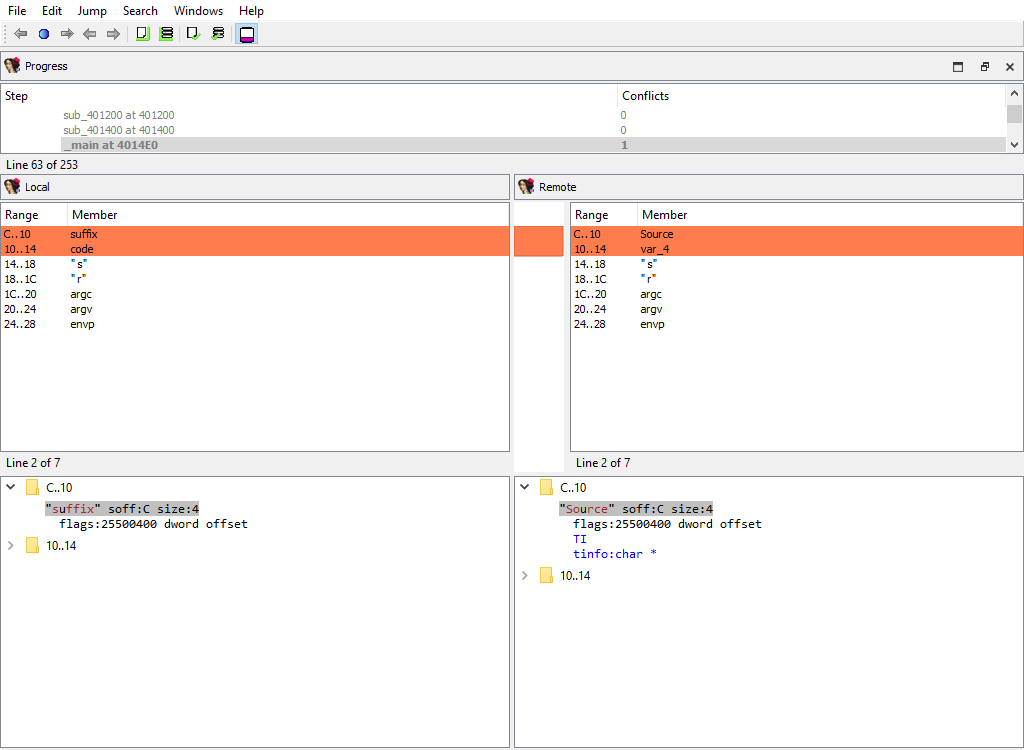
## Functions/Frame
Merging of function frame details.
A separate phase is created for each function. For example:
* **Functions/Frames/sub\_401200 at 401200**
* **Functions/Frames/\_main at 4014E0**
Every of these phases merges the conflicting members of the function frame.
The "Detail" pane displays the detailed information about the current function frame member.
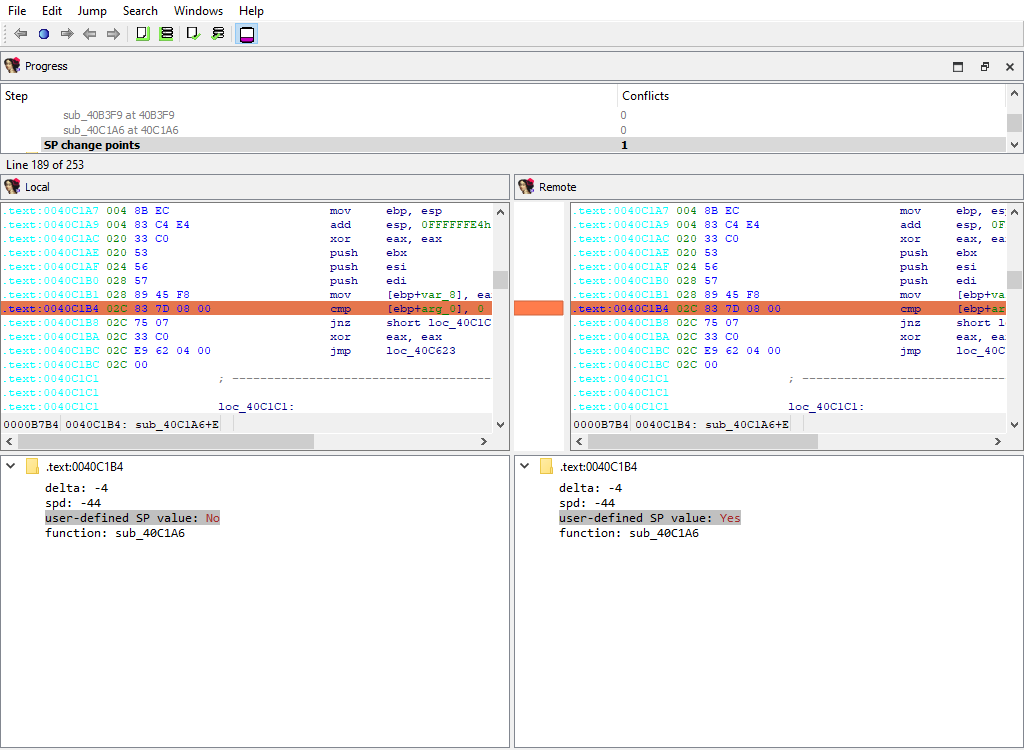
## Functions/SP change points
Merging of function SP change points.
This merge phase uses the standard "IDA-View" widget.
The "Detail" pane displays the SP change point details.
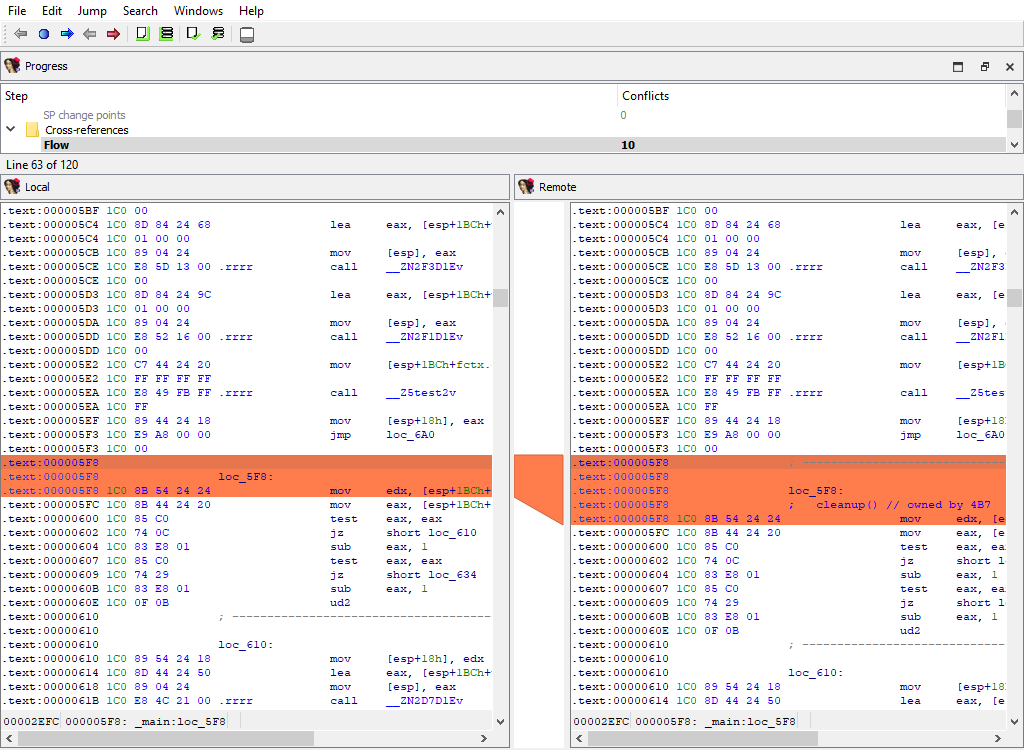
## Cross-references/Flow
Merging of regular execution flow from the previous instruction. IDA stores cross-references that correspond to regular execution flow in a special format, different from other cross-reference types.
This merge phase uses the standard "IDA-View" widget.
The "Detail" pane is absent.
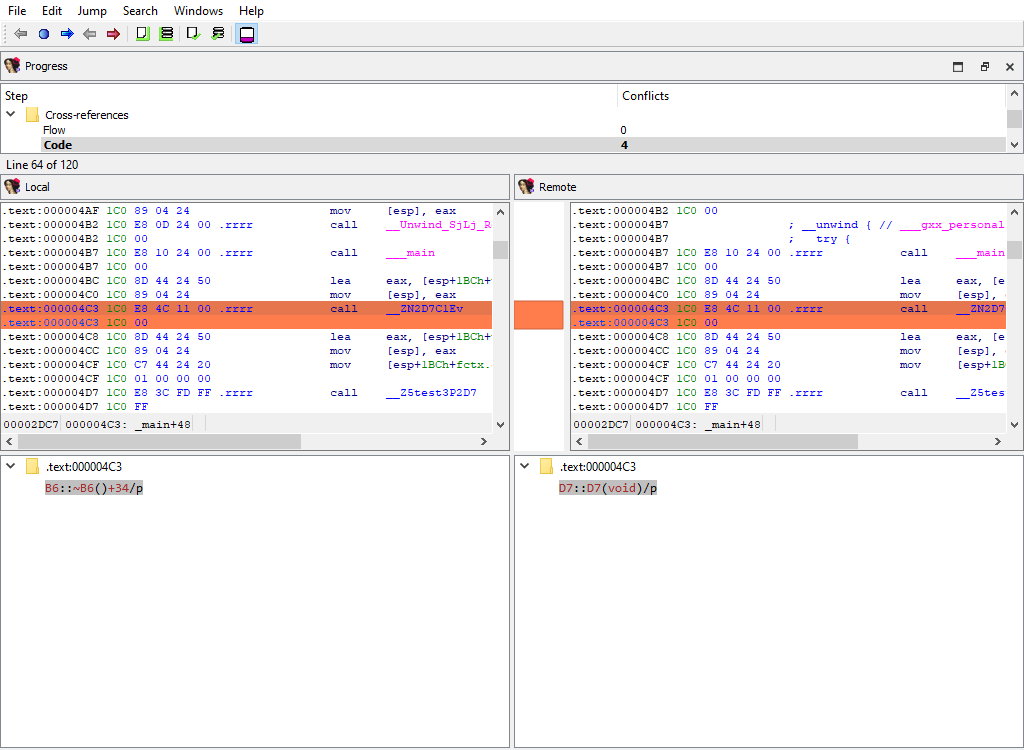
## Cross-references/Code
Merging of code cross-references.
This merge phase uses the standard "IDA-View" widget.
The "Detail" pane displays code references to address (`diffpos`).
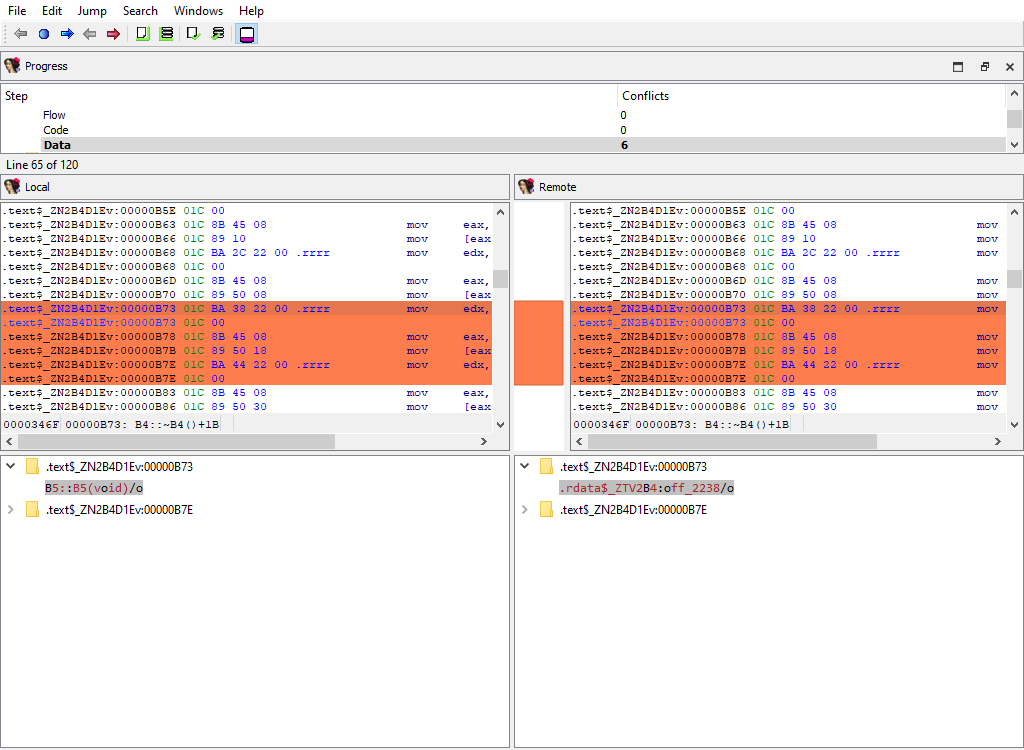
## Cross-references/Data
Merging of data cross-references.
This merge phase uses the standard "IDA-View" widget.
The "Detail" pane displays data references to address (`diffpos`).
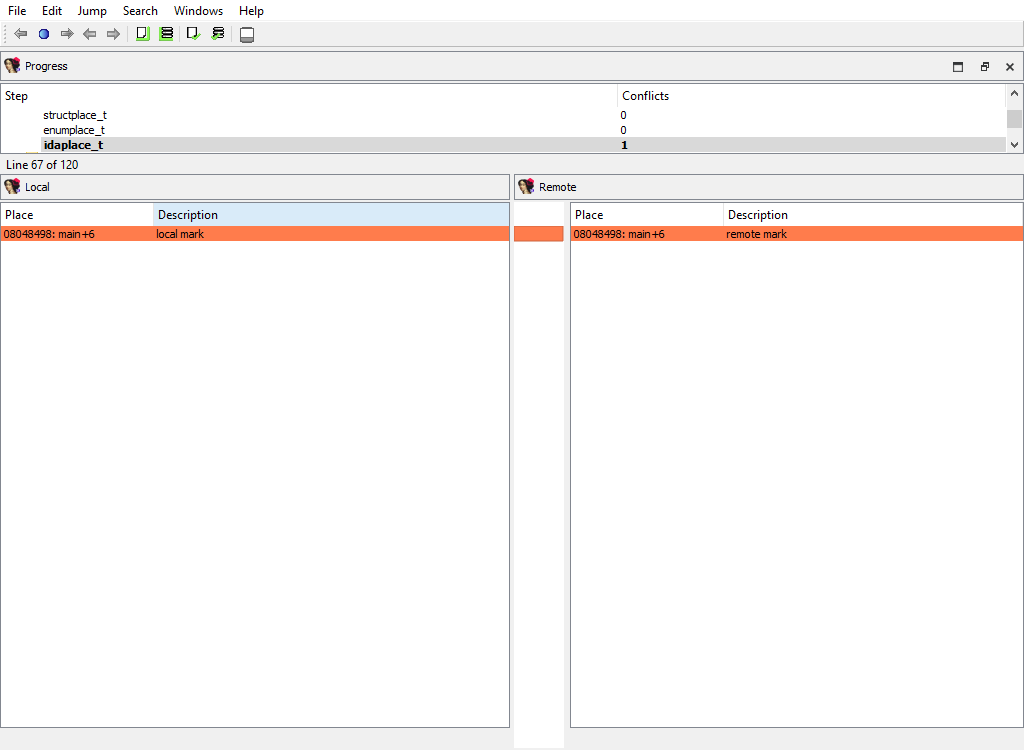
## Marked positions/…
The following merge phases exist:
* **Marked positions/structplace\_t**
* **Marked positions/enumplace\_t**
* **Marked position/idaplace\_t**
They deal with merging of bookmarks for:
* structures
* enums
* addresses
The "Detail" pane is absent.
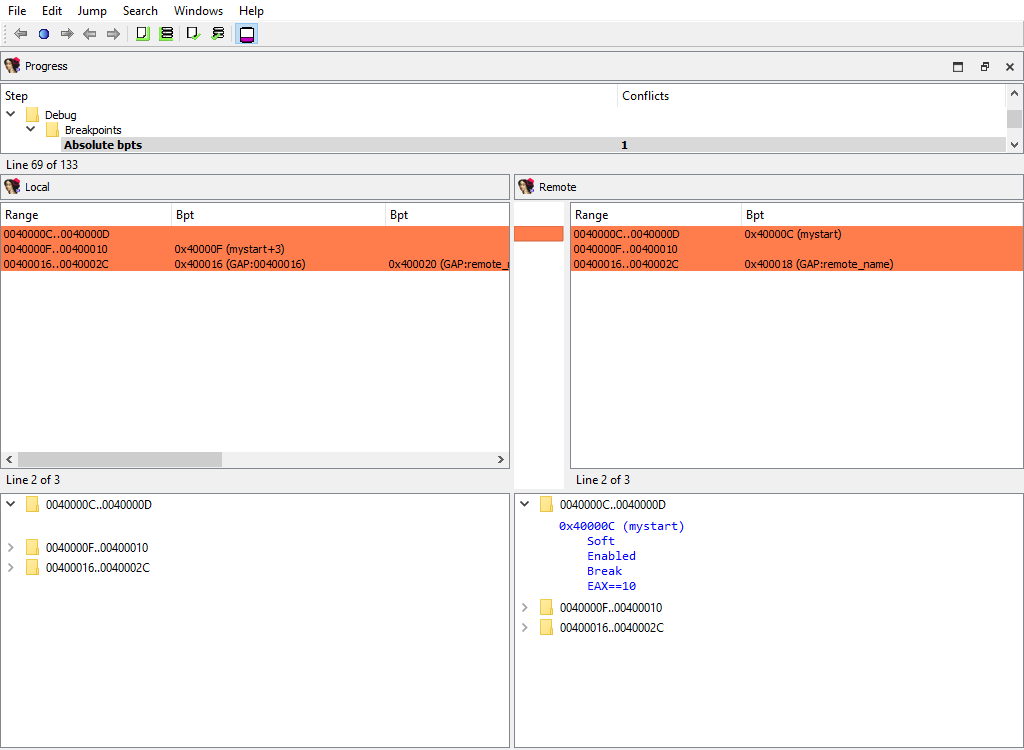
## Debug/Breakpoints/…
The following merge phases exist:
* **Breakpoints/Absolute bpts**
* **Breakpoints/Relative bpts**
* **Breakpoints/Symbolic bpts**
* **Breakpoints/Source level bpts**
They deal with merging of various debugger breakpoints.
The "Detail" pane is absent.
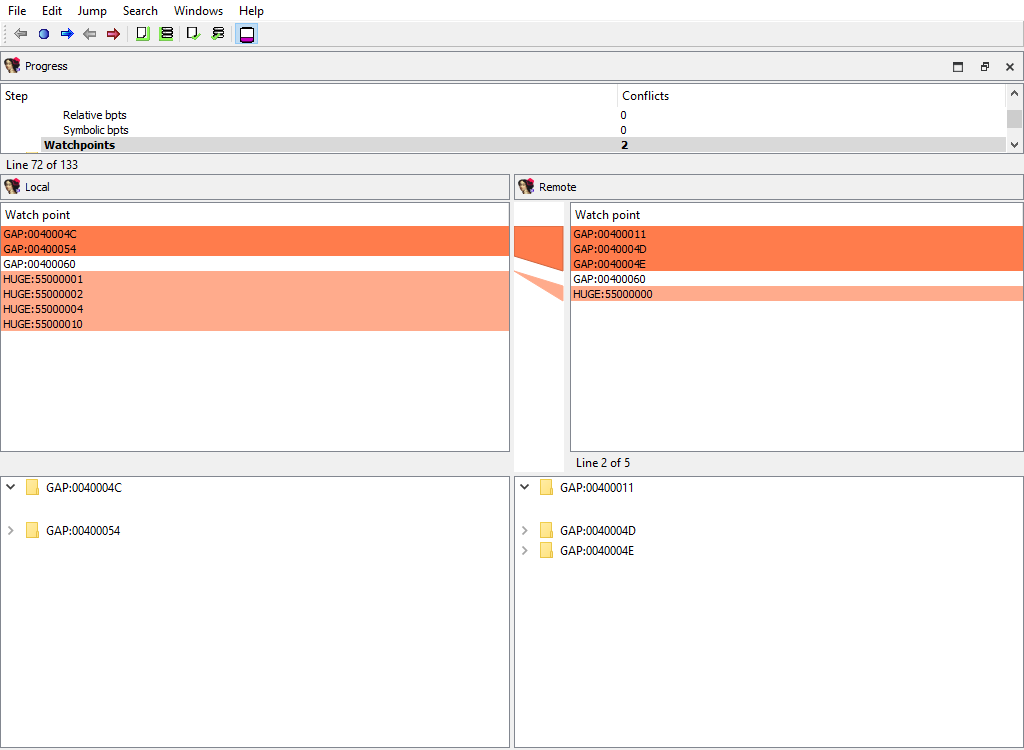
## Debug/Watchpoints
Merging of watch points.
The "Detail" pane is absent.
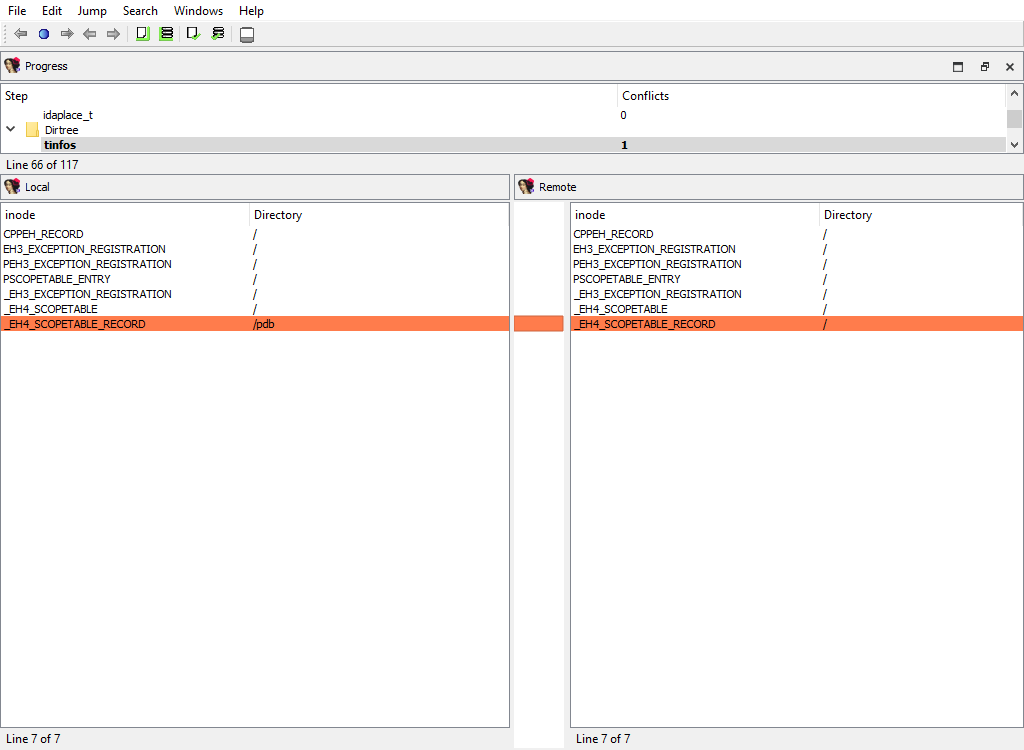
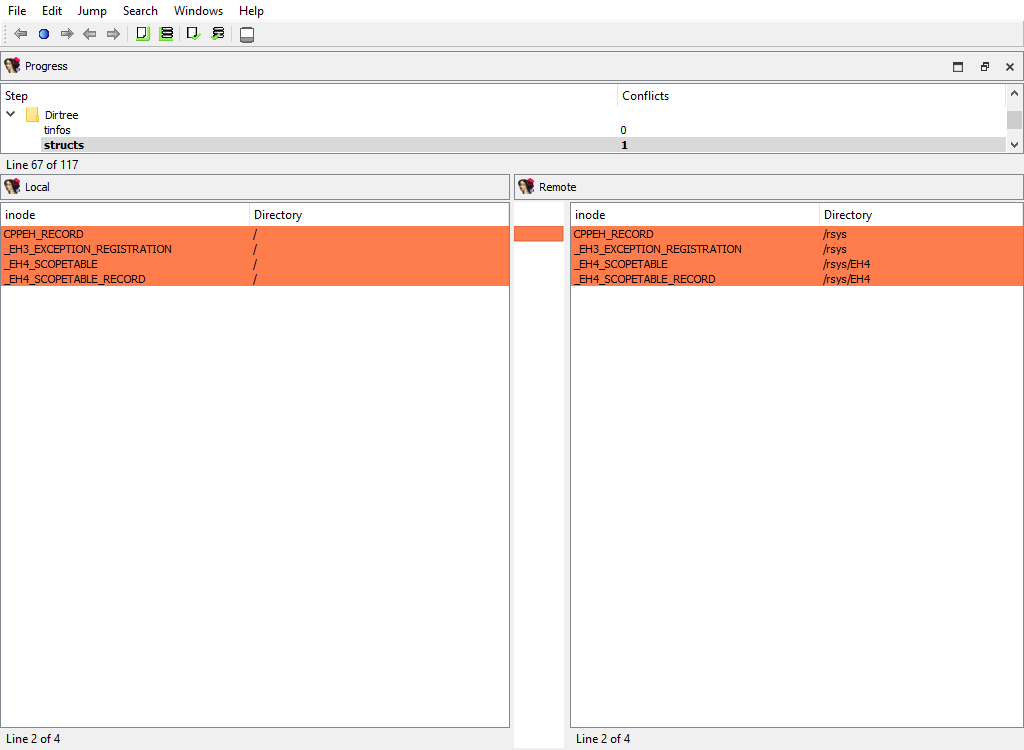
## Dirtree/$ dirtree/…
The following merge phases exist:
* **Dirtree/$ dirtree/tinfos**
* **Dirtree/$ dirtree/structs**
* **Dirtree/$ dirtree/enums**
* **Dirtree/$ dirtree/funcs**
* **Dirtree/$ dirtree/names**
* **Dirtree/$ dirtree/imports**
* **Dirtree/$ dirtree/bookmarks\_idaplace\_t**
* **Dirtree/$ dirtree/bookmarks\_structplace\_t**
* **Dirtree/$ dirtree/bookmarks\_enumplace\_t**
* **Dirtree/$ dirtree/bpts**
They deal with merging of the standard dirtrees.
The "Detail" pane is absent.
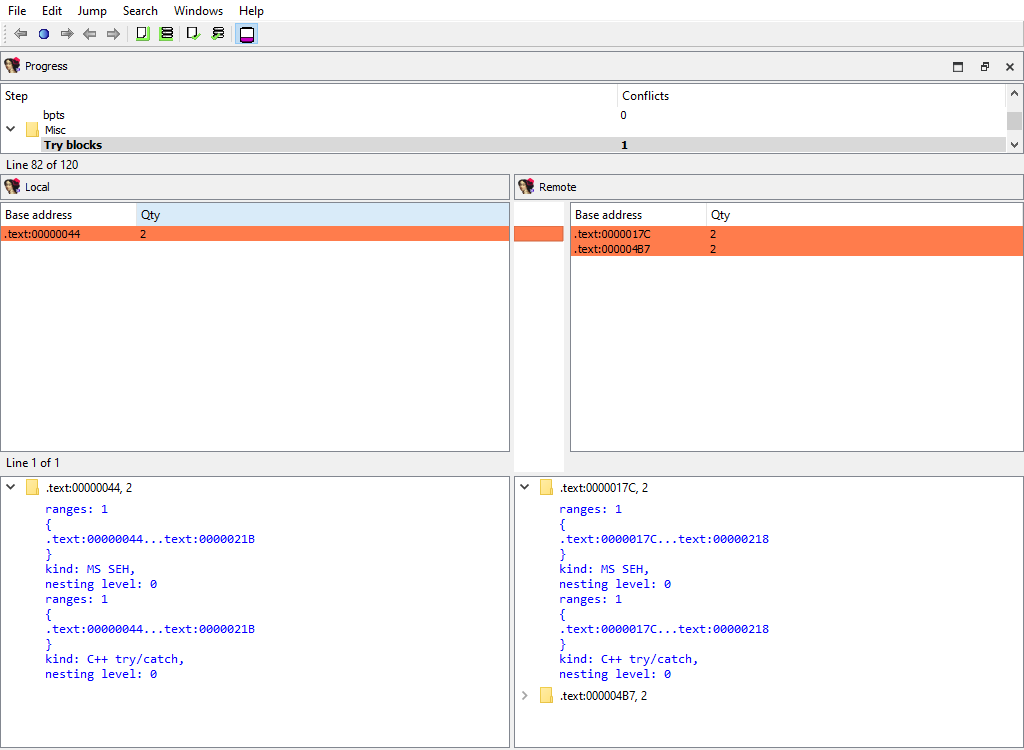
## Misc/Try blocks
Merging of try and catch block info.
The "Detail" pane describes try block.
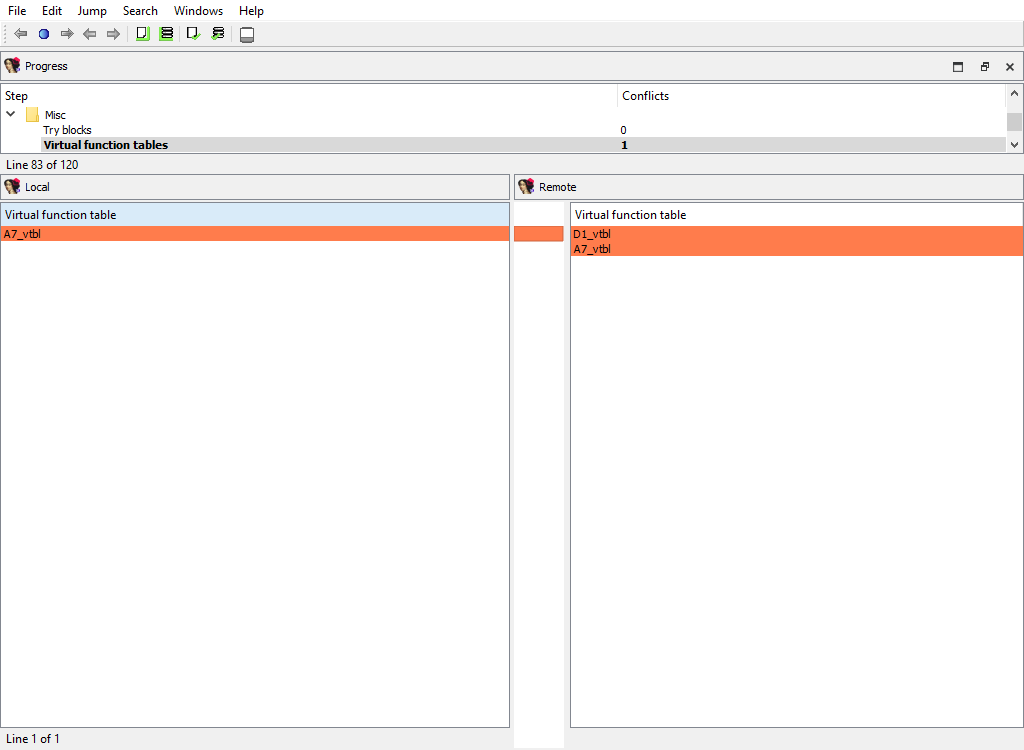
## Misc/Virtual function tables
Merging of virtual function tables.
The "Detail" pane is absent.
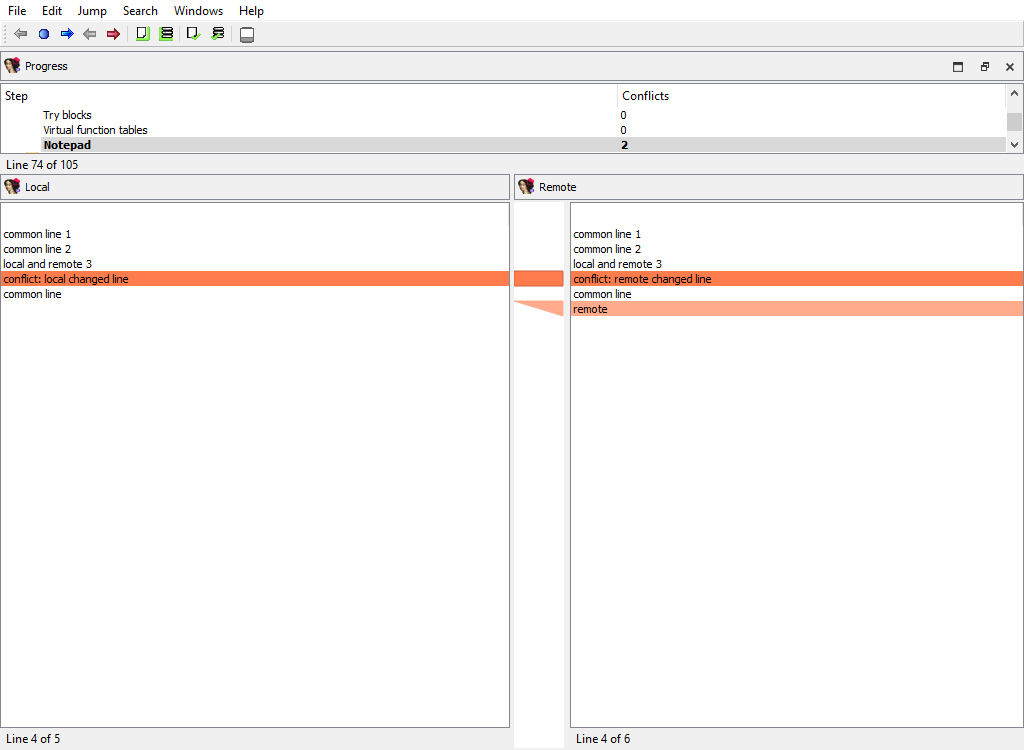
## Misc/Notepad
Merging of database notepads. Each line of text is a `diffpos`.
The "Detail" pane is absent.
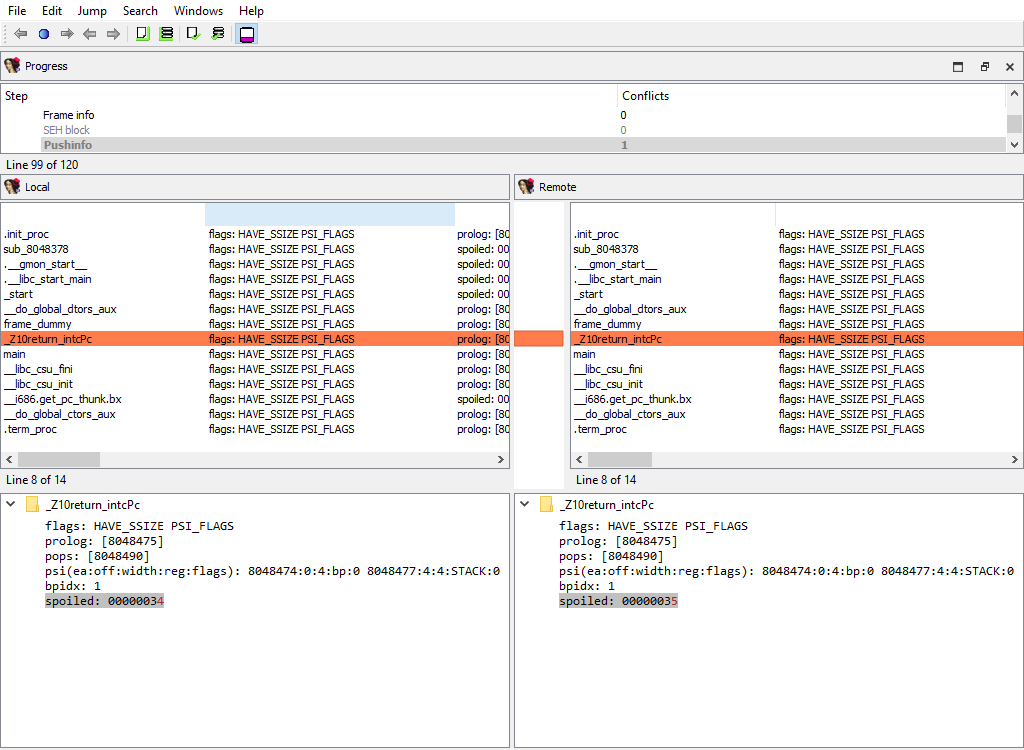
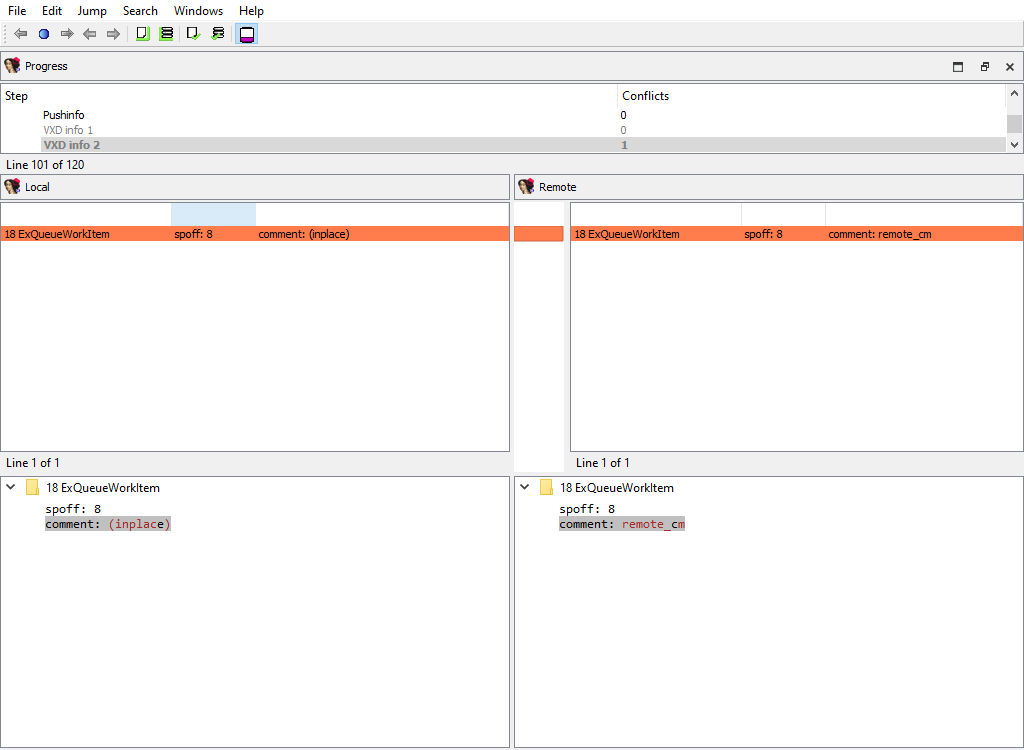
## Processor specific/…
Each processor plugin creates its own merge steps to handle the processor plugin’s specific data.
For example, the PC processor module adds the following merge steps:
* **Processor specific/Analyze ea for a possible offset**
* **Processor specific/Frame pointer info**
* **Processor specific/Pushinfo**
* **Processor specific/VXD info 2**
* **Processor specific/Callee EA|AH value**
* …
## Plugins/Decompiler/…
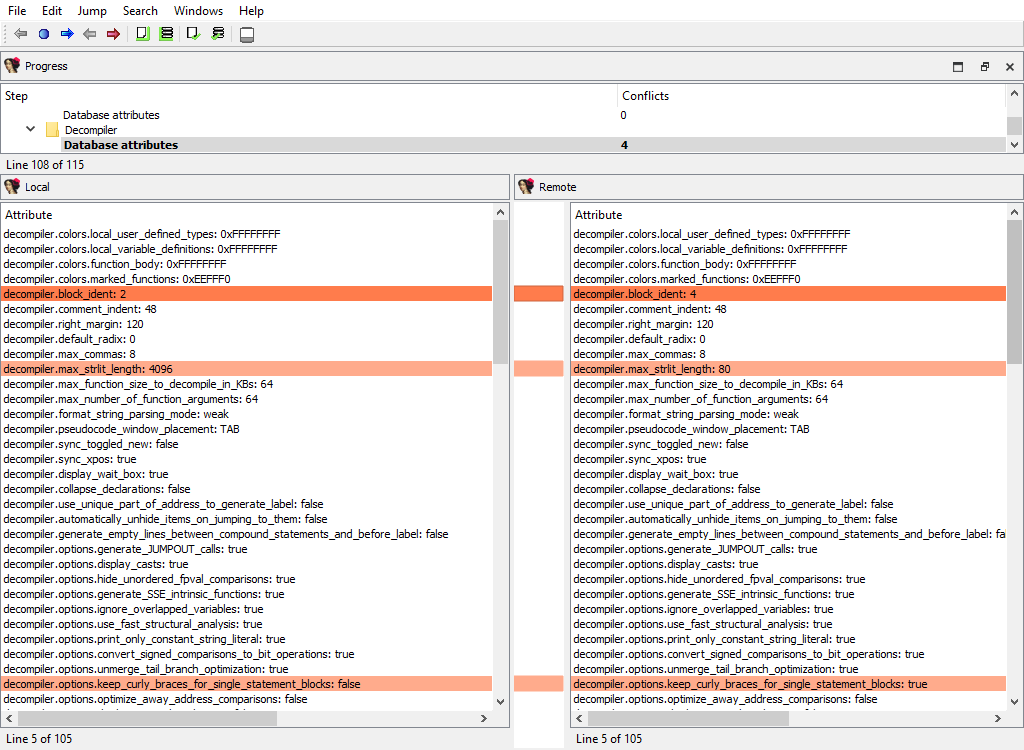
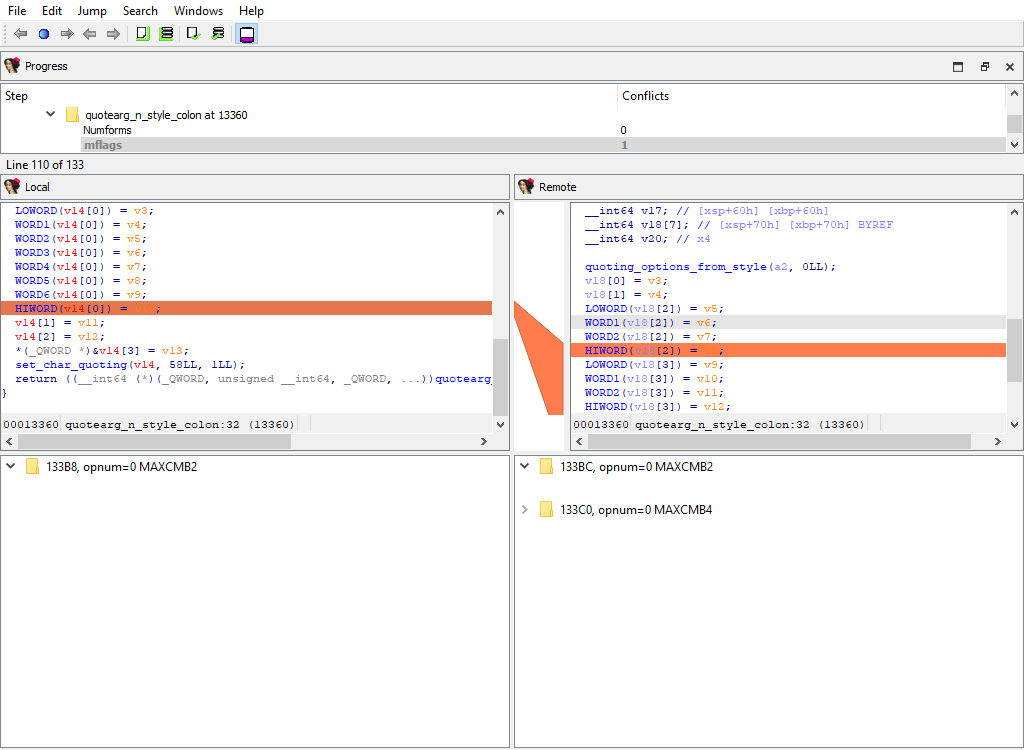
Merging of the decompiler data starts with the global configuration parameters from hexrays.cfg:
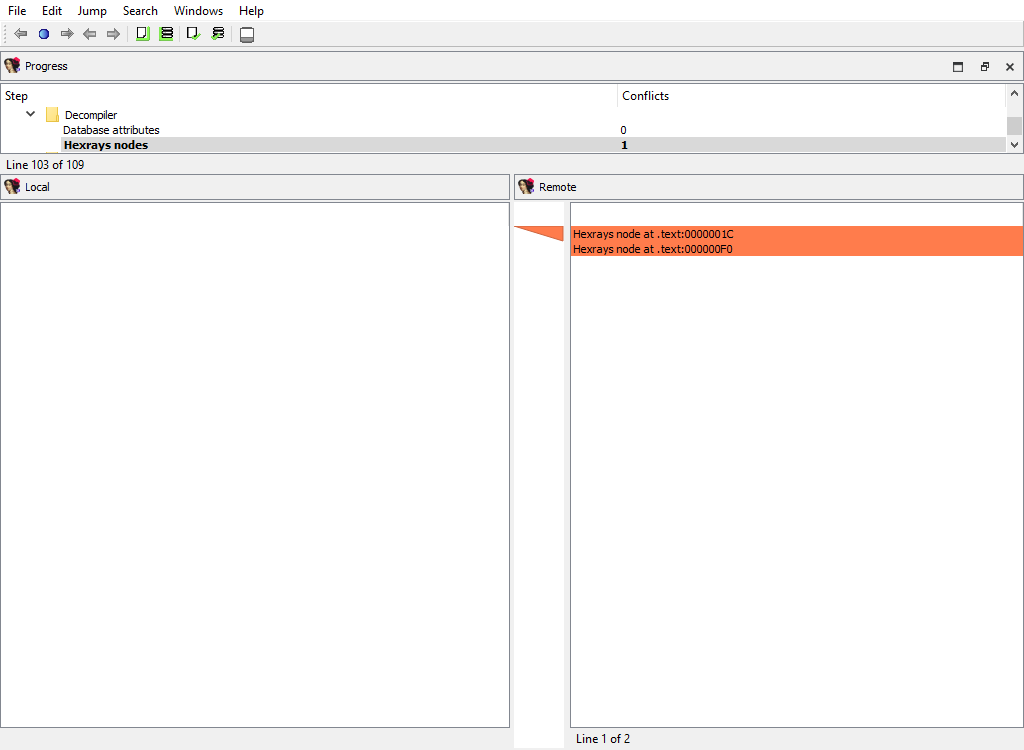
To handle decompilation of specific functions, IDA stores the decompilation data in a database netnode named **Hexrays node**.
The merge step **Plugins/Decompiler/Hexrays nodes** adds or deletes netnodes, indicating which functions have or haven’t been decompiled in each databases:
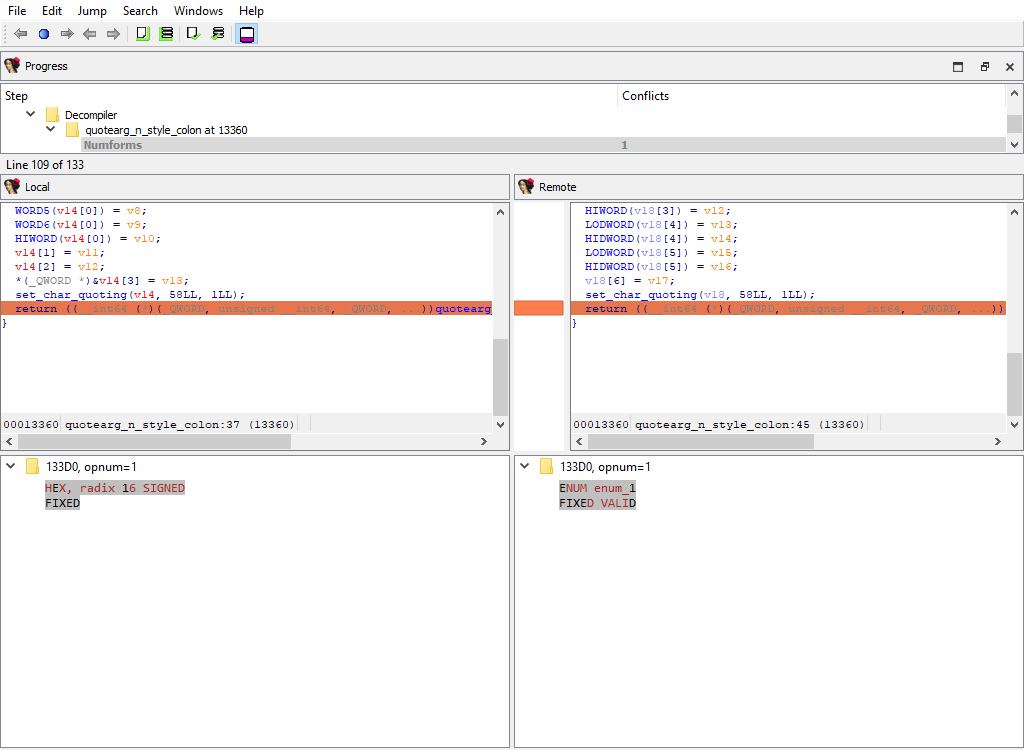
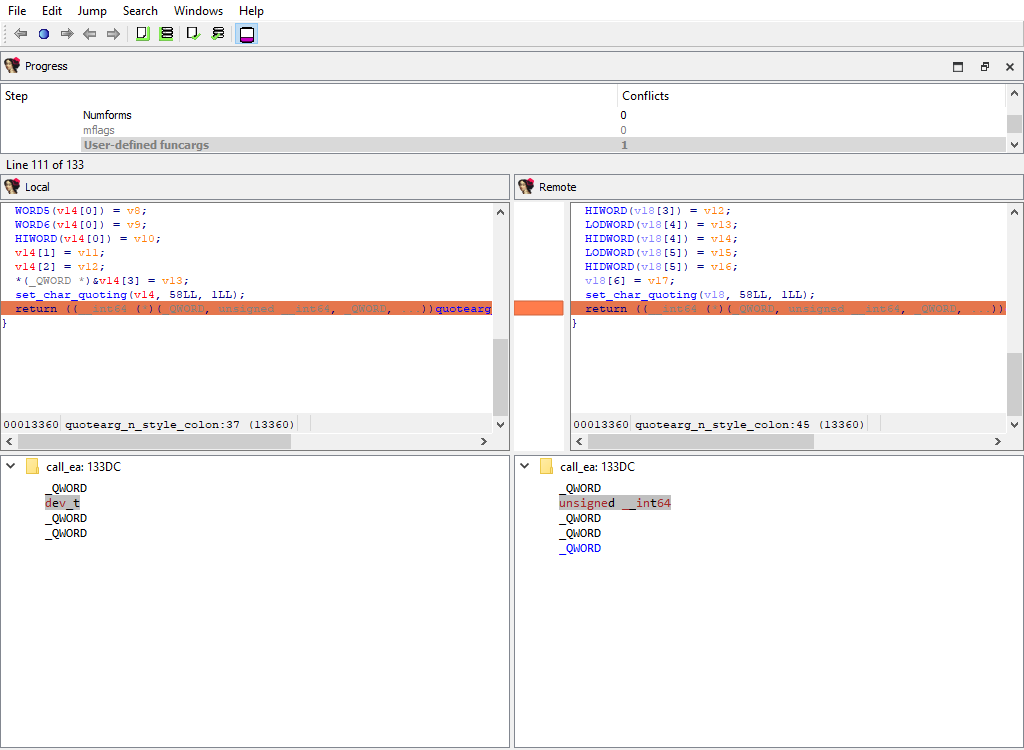
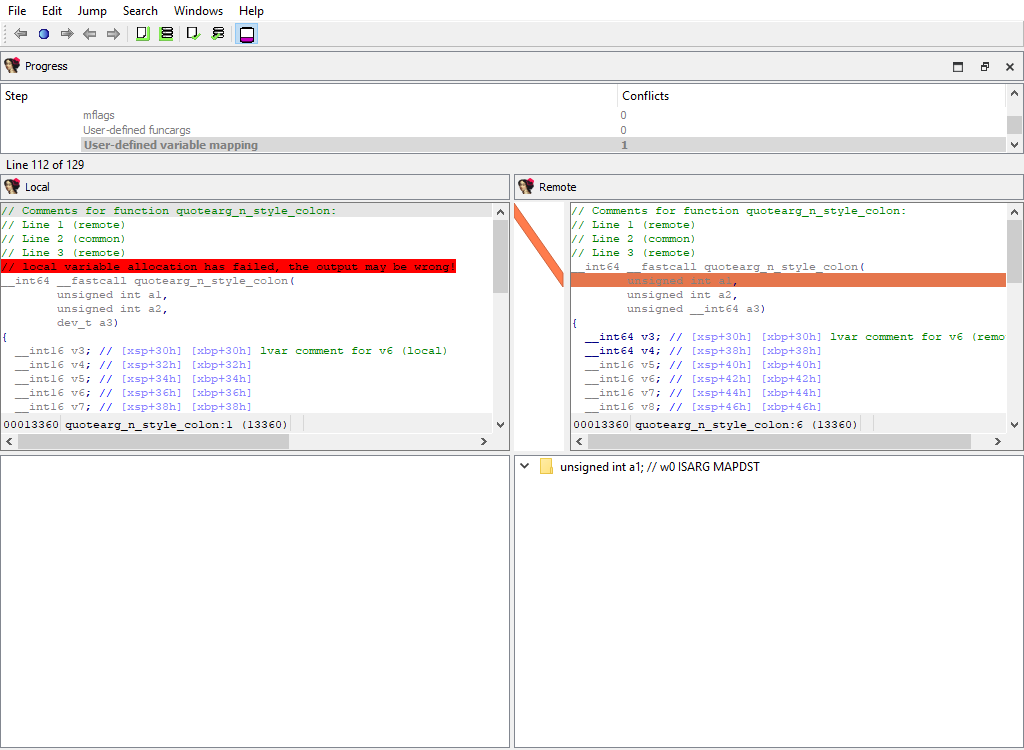
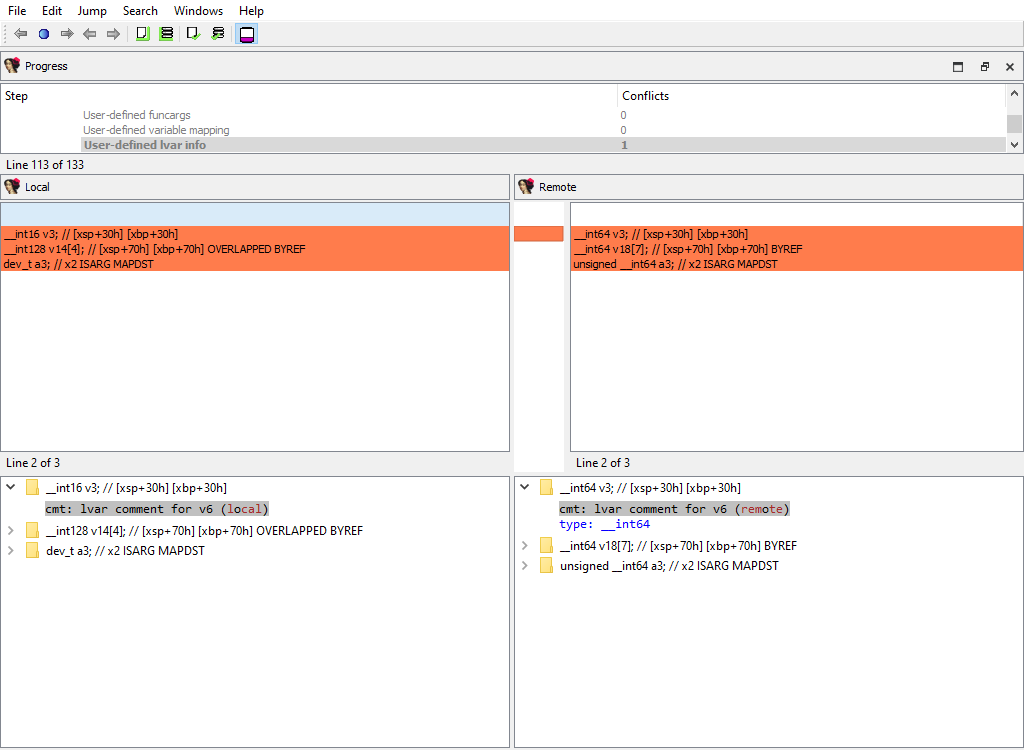
The decompilation data for matching functions is compared using the following attributes:
* **Plugins/Decompiler/…/Numforms**
* **Plugins/Decompiler/…/mflags**
* **Plugins/Decompiler/…/User-defined funcargs**
* **Plugins/Decompiler/…/User-defined variable mapping**
* **Plugins/Decompiler/…/User-defined lvar info**
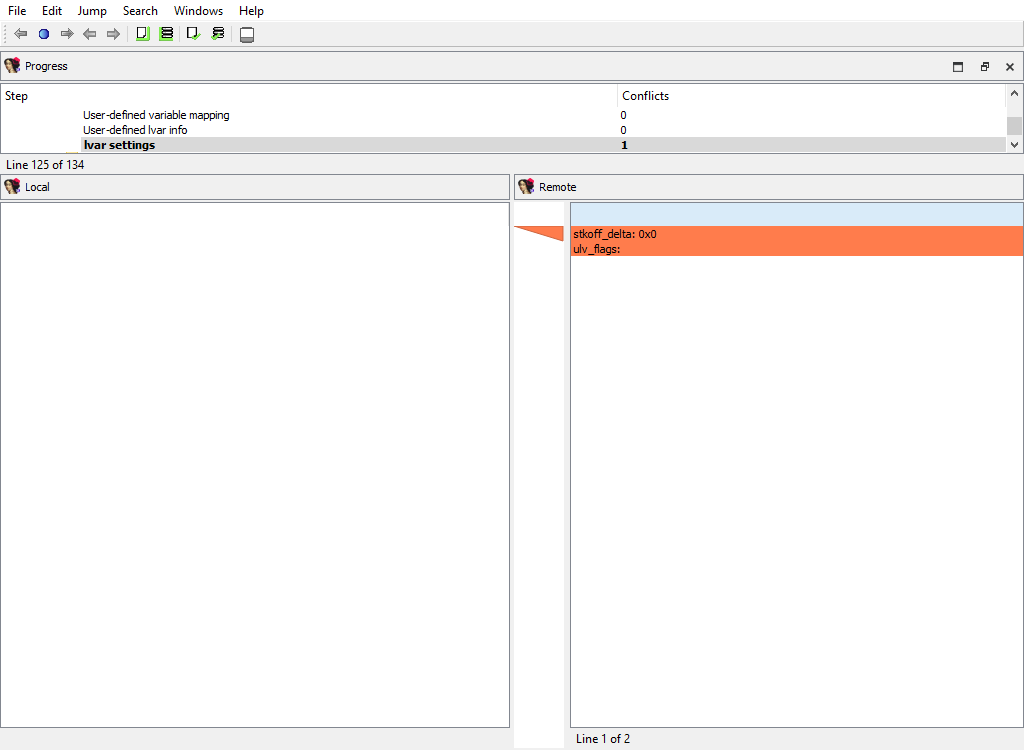
* **Plugins/Decompiler/…/lvar settings**
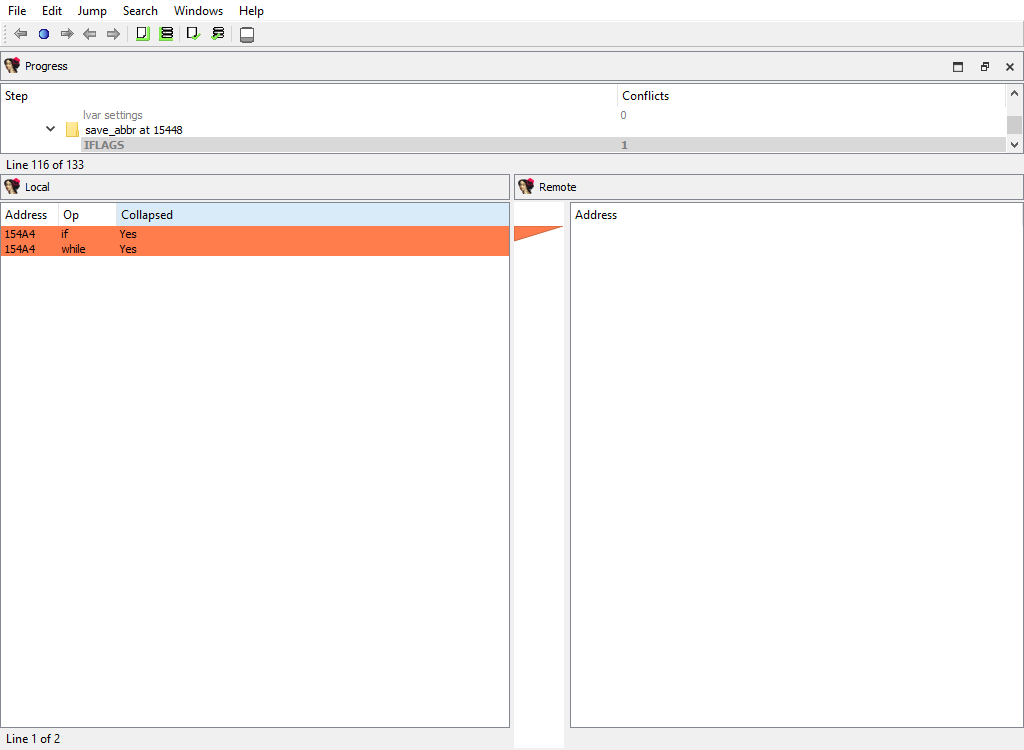
* **Plugins/Decompiler/…/IFLAGS**
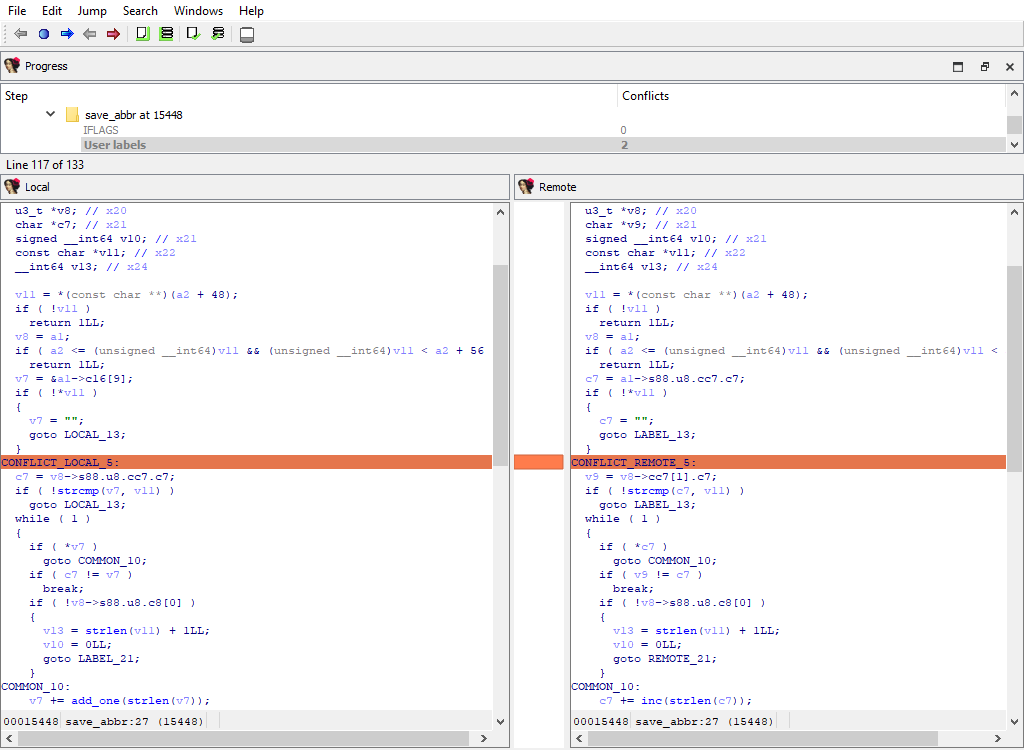
* **Plugins/Decompiler/…/User labels**
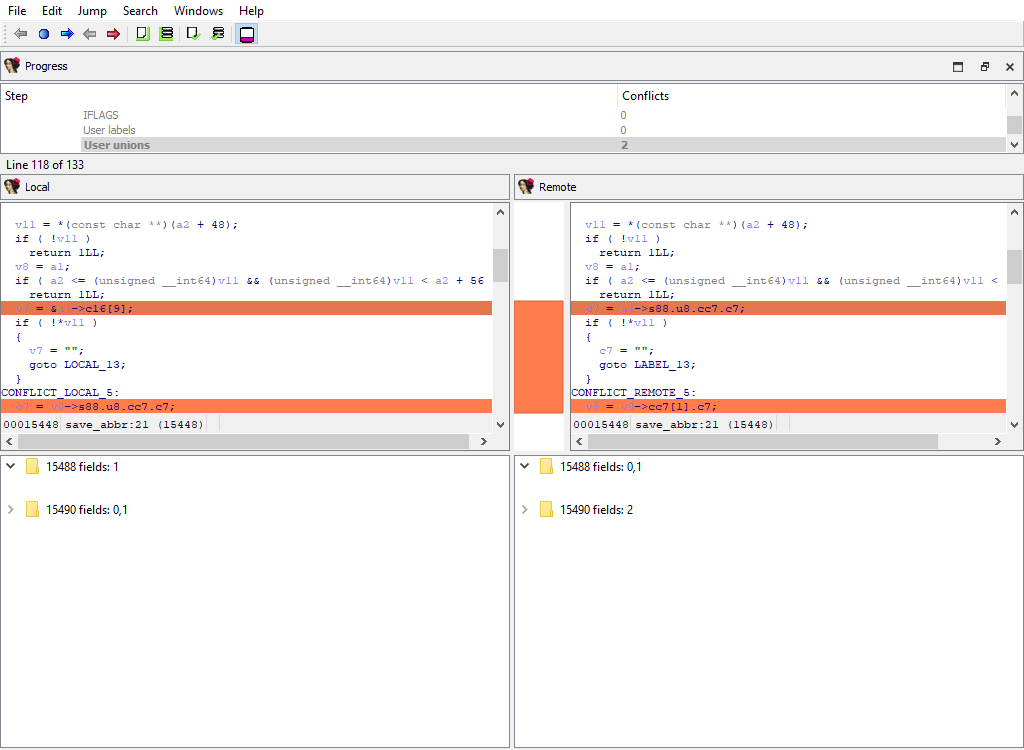
* **Plugins/Decompiler/…/User unions**
* **Plugins/Decompiler/…/User comments**
* **Plugins/Decompiler/…/User-defined call**
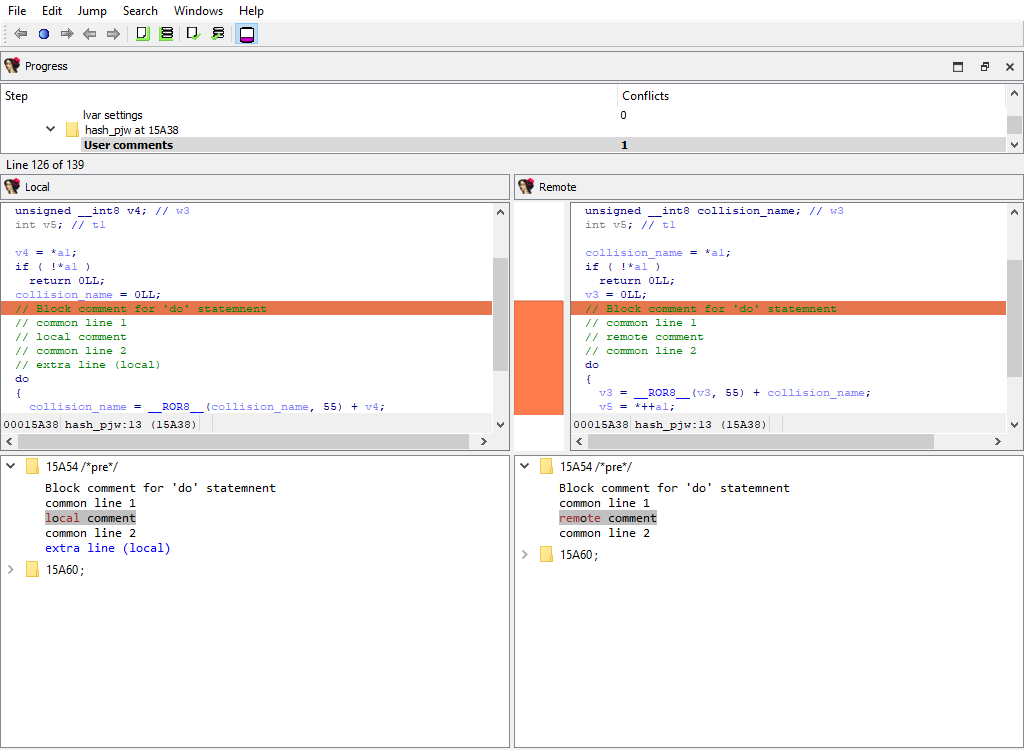
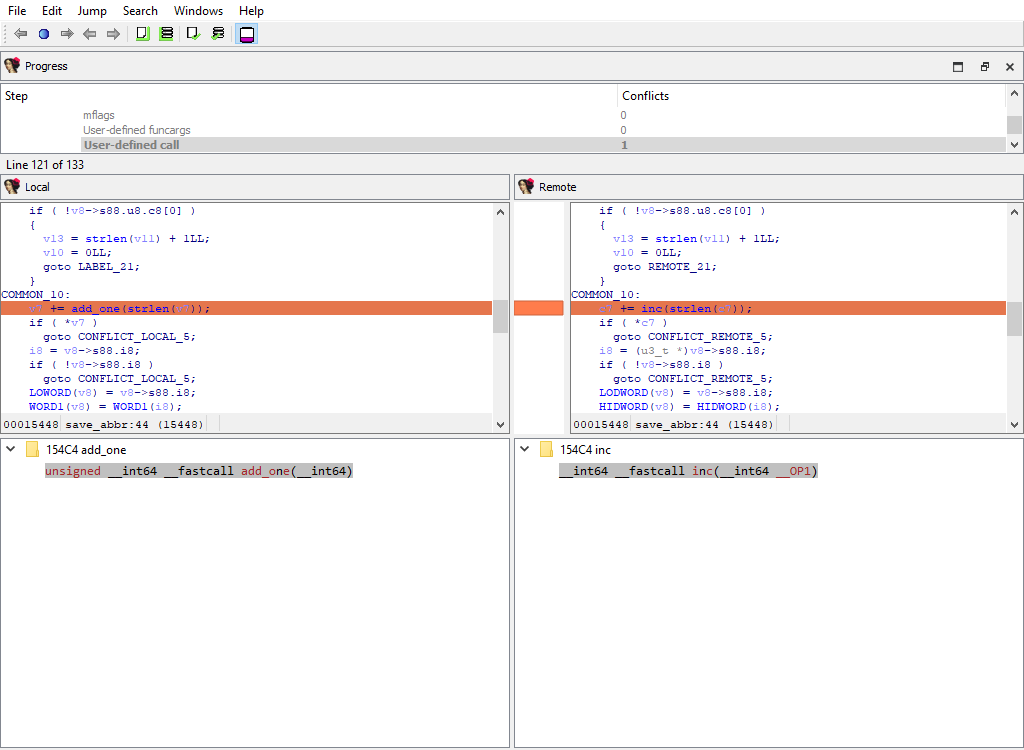
If there is a difference, each comparison criteria will be assigned its own merge step. Each step will use the standard "Pseudocode" widget so that differences can be viewed in-context with the full pseudocode:
## Loader data merge phases
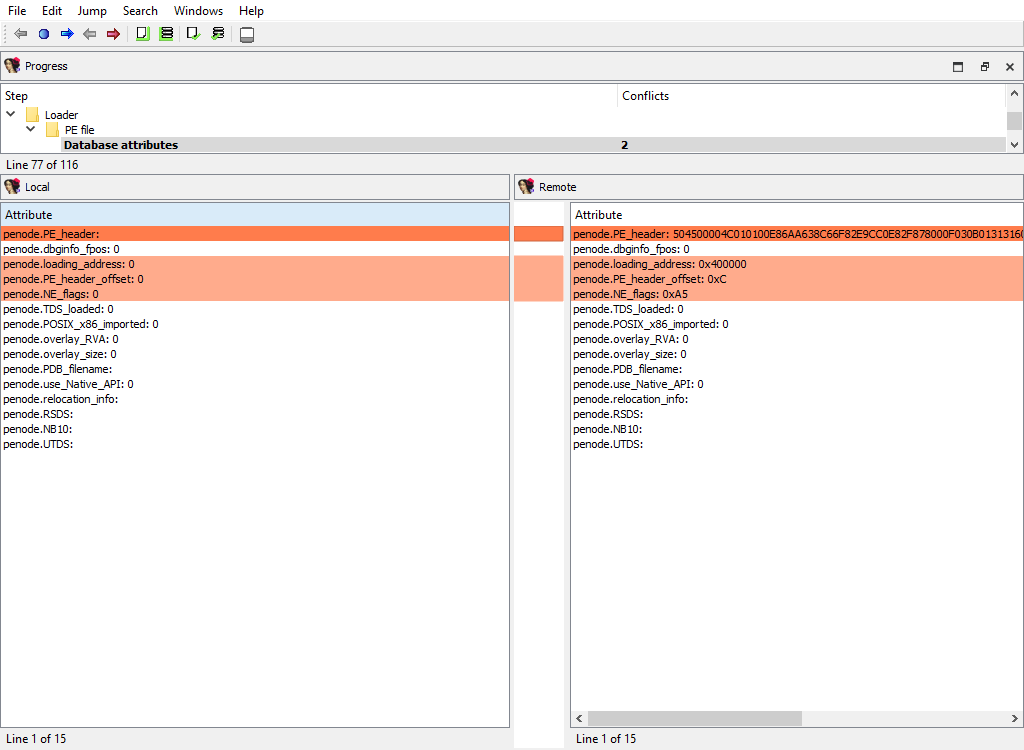
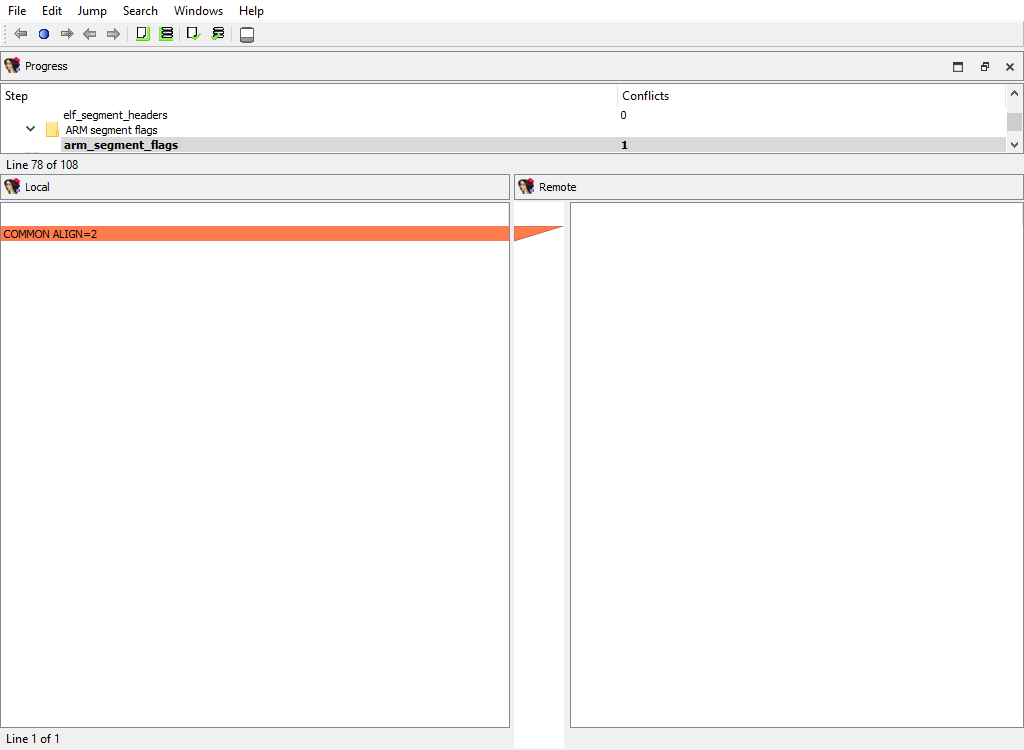
The file loader that was used to create the database may have stored some data in the database that is specific to the loader itself.
There are merge phases for each loader, for example:
* **Loader/PE file/…**
* **Loader/NE file/…**
* **Loader/ELF file/…**
* **Loader/TLS/…**
* **Loader/ARM segment flags/…**
## Debugger data merge phases
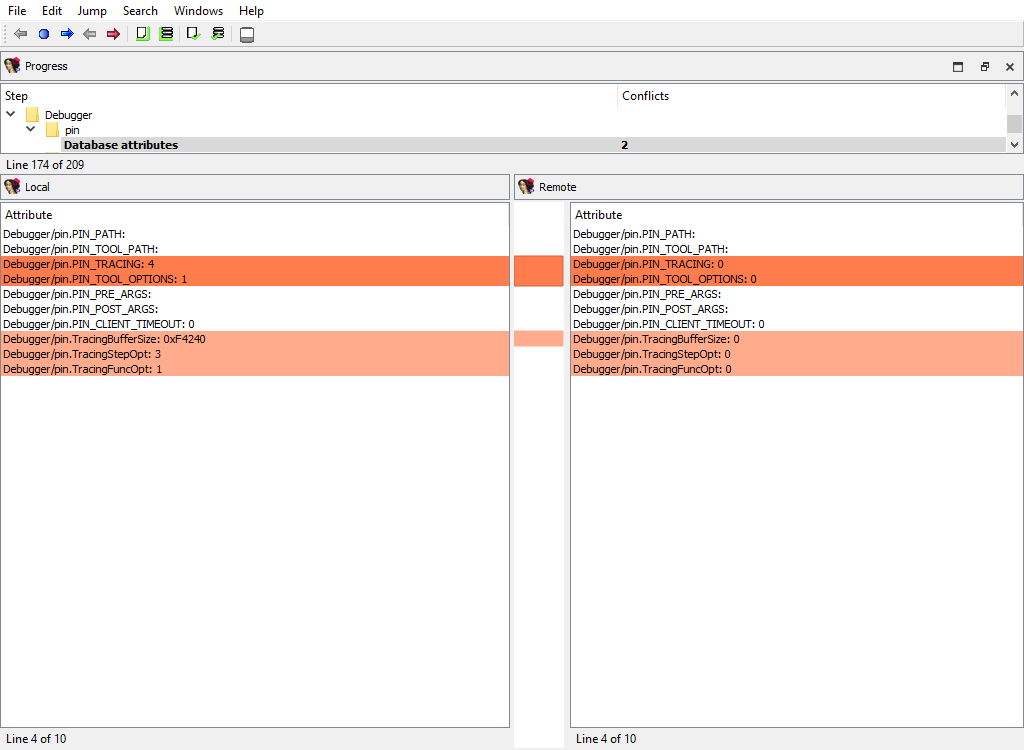
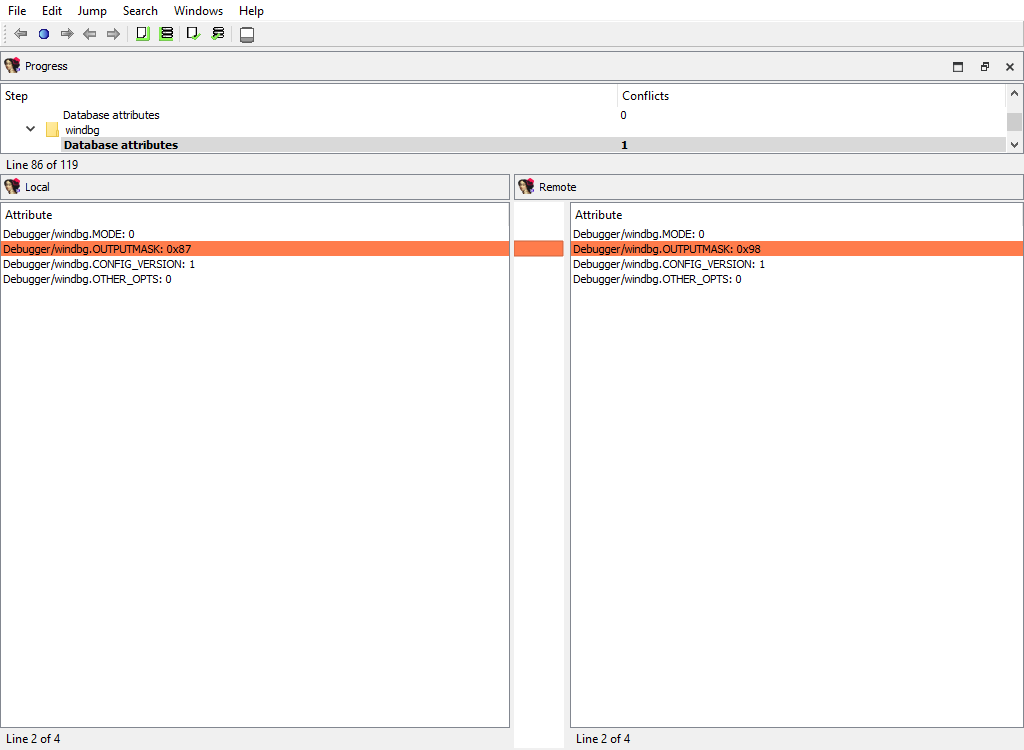
To handle the differences in debugger data the following merge steps may be created:
* **Debugger/pin**
* **Debugger/gdb**
* **Debugger/xnu**
* **Debugger/ios**
* **Debugger/bochs**
* **Debugger/windbg**
* **Debugger/rmac\_arm**
* **Debugger/lmac\_arm**
* **Debugger/rmac**
* **Debugger/lmac**
As can be deduced by their names, they handle debugger-specific data in the database.
## Other plugins merge phases
There are a number of IDA plugins that need to merge their data.
For example:
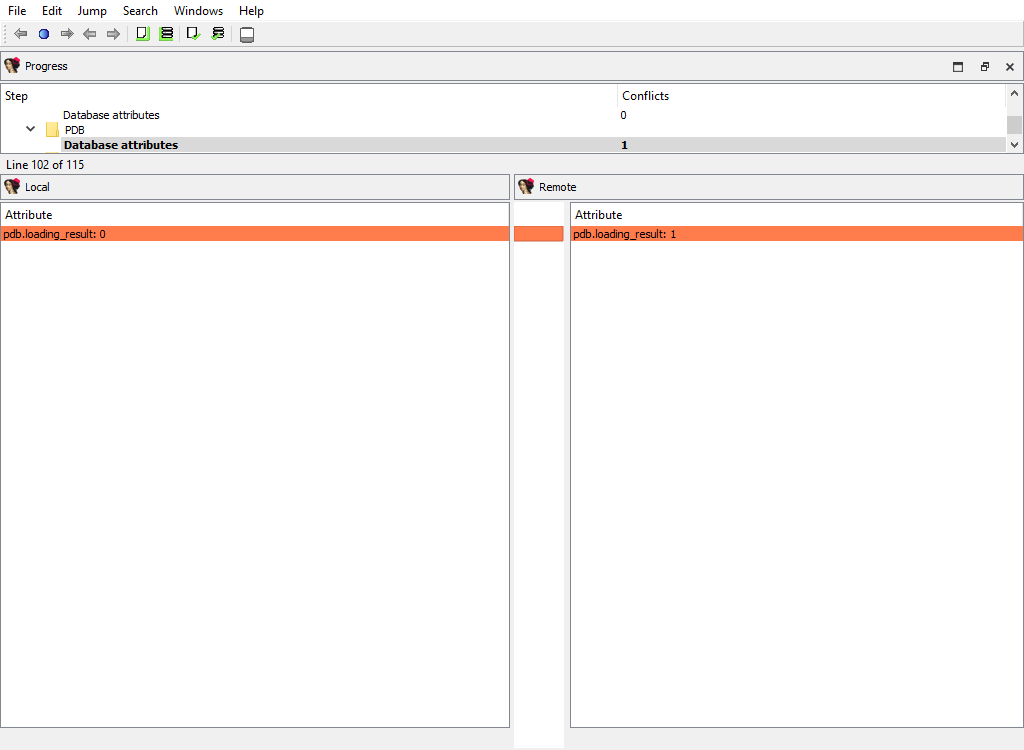
* **Plugins/PDB**
* **Plugins/golang**
* **Plugins/EH\_PARSE**
* **Plugins/Callgraph**
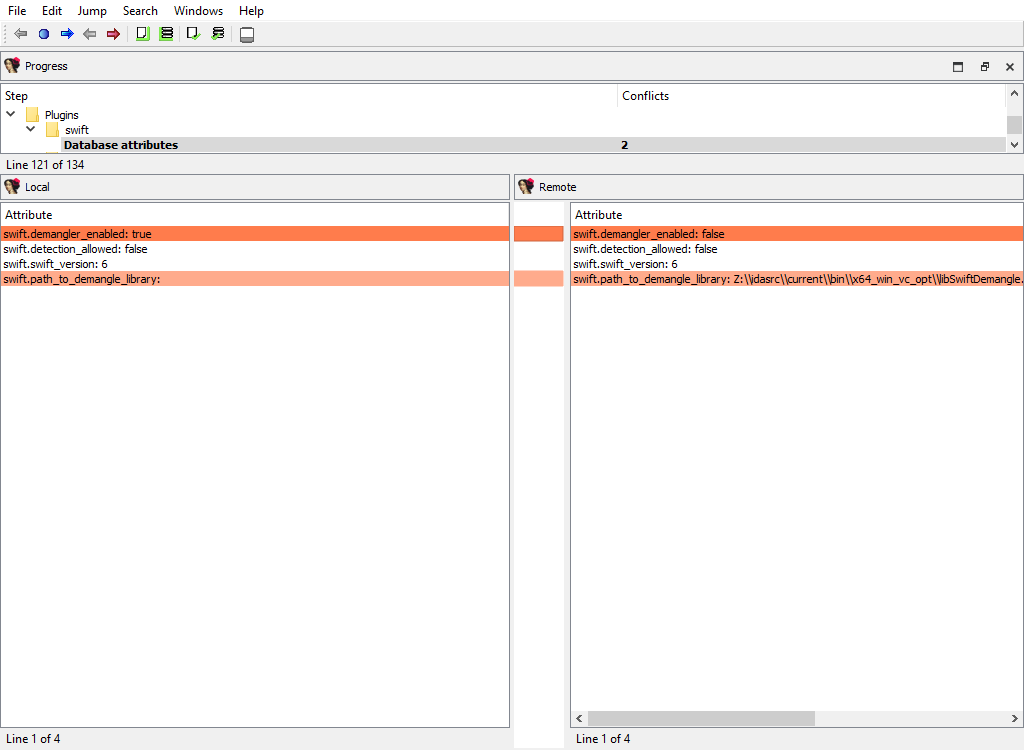
* **Plugins/swift**
Any third party plugin may add merge phases using the IDA SDK. We provide sample plugins that illustrate how to add support for merging into third party plugins.
## Using IDASDK to add merge functionality to plugin
### Overview
Any plugin that stores its data in the database must implement the logic for merging its data. For that, the plugin must provide the description of its data and ask the kernel to create merge handlers based on these descriptions.
The kernel will use the created handlers to perform merging and to display merged data to the users. The plugin can implement callback functions to modify some aspects of merging, if necessary.
The plugin may have two kinds of data with permanent storage:
1. Data that applies to entire database (e.g. the options). To describe this data, the `idbattr_info_t` type is used.
2. Data that is tied to a particular address. To describe this data, the `merge_node_info_t` type is used.
The kernel will notify the plugin using the `processor_t::ev_create_merge_handlers` event. On receiving it, the plugin should create the merge handlers, usually by calling the `create_merge_handlers()` function.
### Plugin
The IDA SDK provides several sample plugins to demonstrate how to add merge functionality to third party plugins:
* mex1/
* mex2/
* mex3/
* mex4/
The sample plugin without the merge functionality consists of two files:
* mex.hpp
* mex\_impl.cpp
It is a regular implementation of a plugin that stores some data in the database. Please check the source files for more info.
We demonstrate several approaches to add the merge functionality. They are implemented in different directories mex1/, mex2/, and so on.
The `MEX_N` macros that are defined in makefile are used to parameterize the plugin implementation, so that all plugin examples may be used simultaneously.
You may check the merge results for the plugins in one session of IDA Teams. Naturally, you should prepare databases by running plugins before launching of IDA Teams session.
### Merge functionality
The merge functionality is implemented in the merge.cpp file. It contains `create_merge_handlers()`, which is responsible for the creation of the merge handlers.
Variants:
mex1/\
Merge values are stored in netnodes. The kernel will read the values directly from netnodes, merge them, and write back. No further actions are required from the plugin. If the data is stored in a simple way using altvals or supvals, this simple approach is recommended.
mex2/\
Merge values are stored in variables (in the memory). For more complex data that is not stored in a simple way in netnodes, (for example, data that uses database blobs), the previous approach cannot be used. This example shows how to merge the data that is stored in variables, like fields of the plugin context structure. The plugin provides the field descriptions to the kernel, which will use them to merge the data in the memory. After merging, the plugin must save the merged data to the database.
mex3/\
Uses mex1 example and illustrates how to improve the UI look.
mex4/\
Merge data that is stored in a netnode blob. Usually blob data is displayed as a sequence of hexadecimal digits in a merge chooser column. We show how to display blob contents in detail pane.